
Renault Twingo E-Tech
Vehicle description
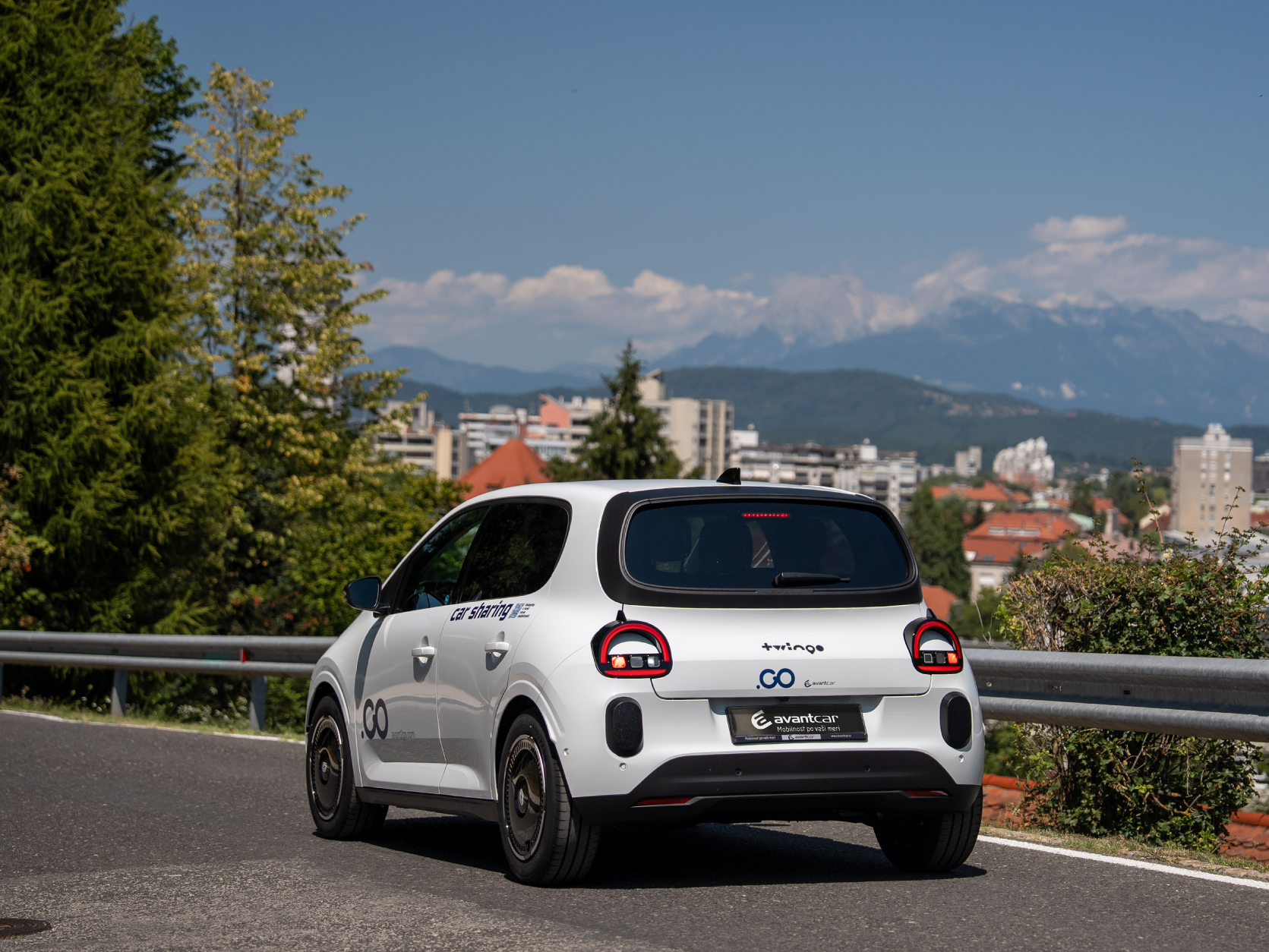
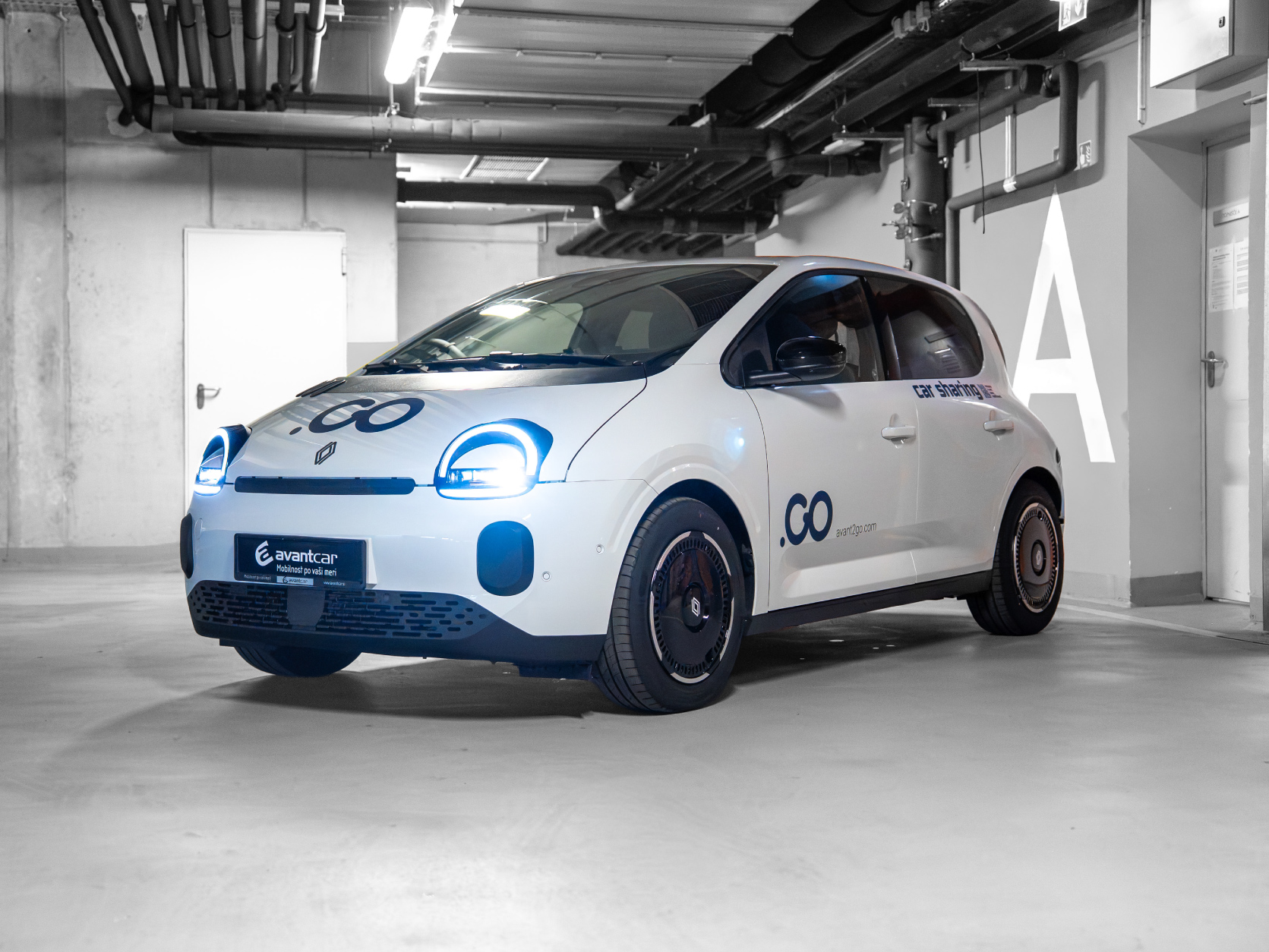
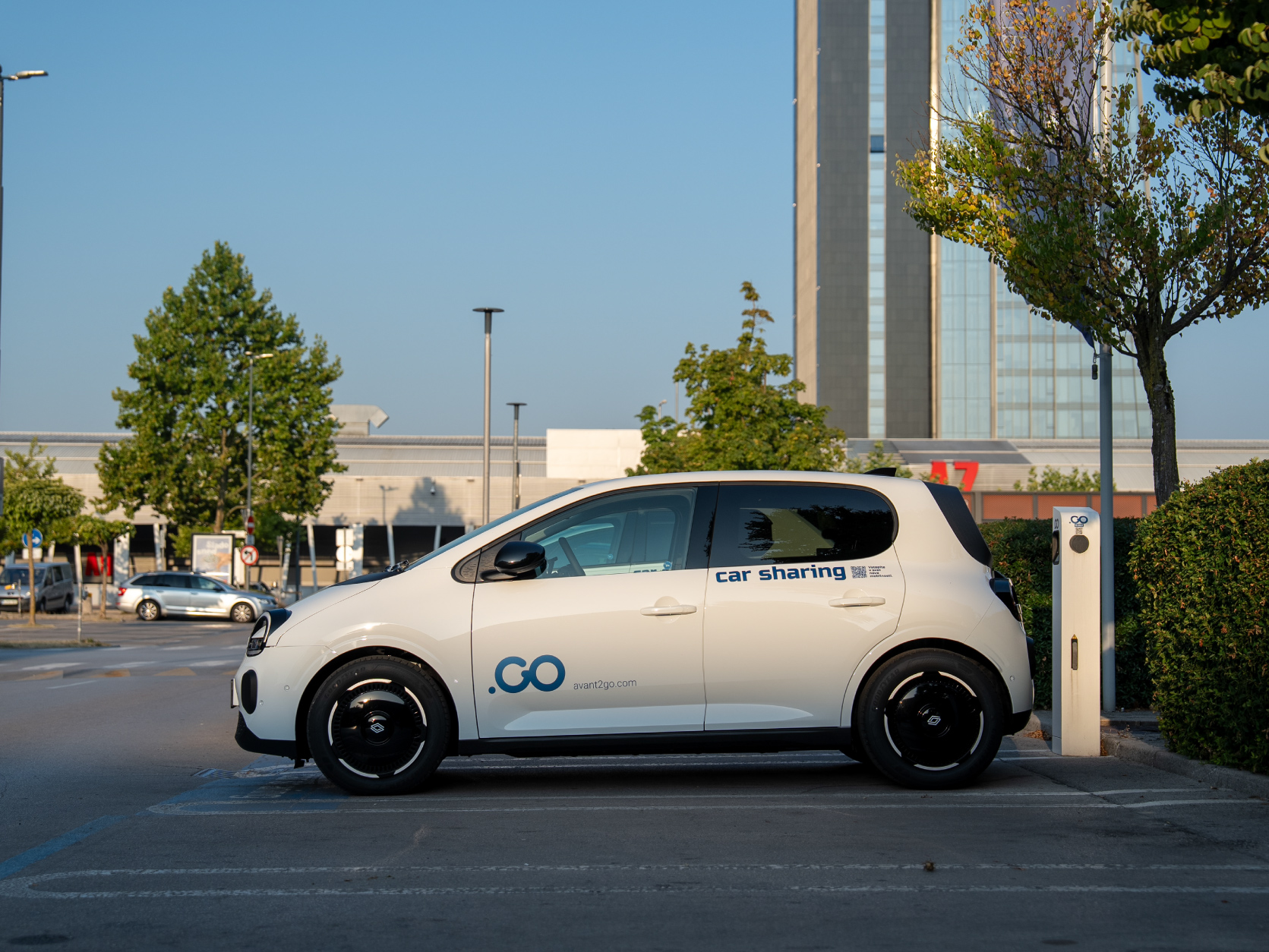
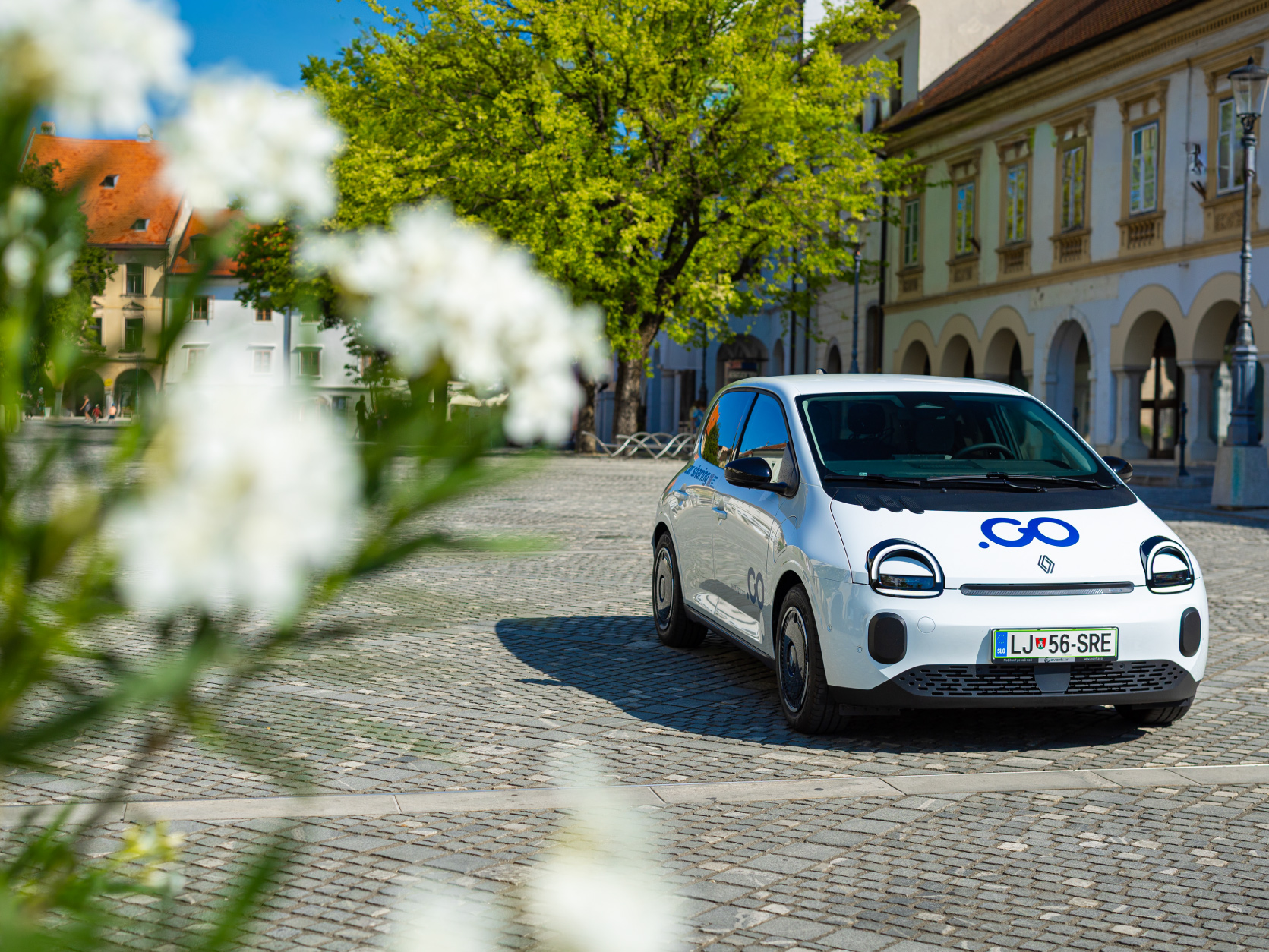
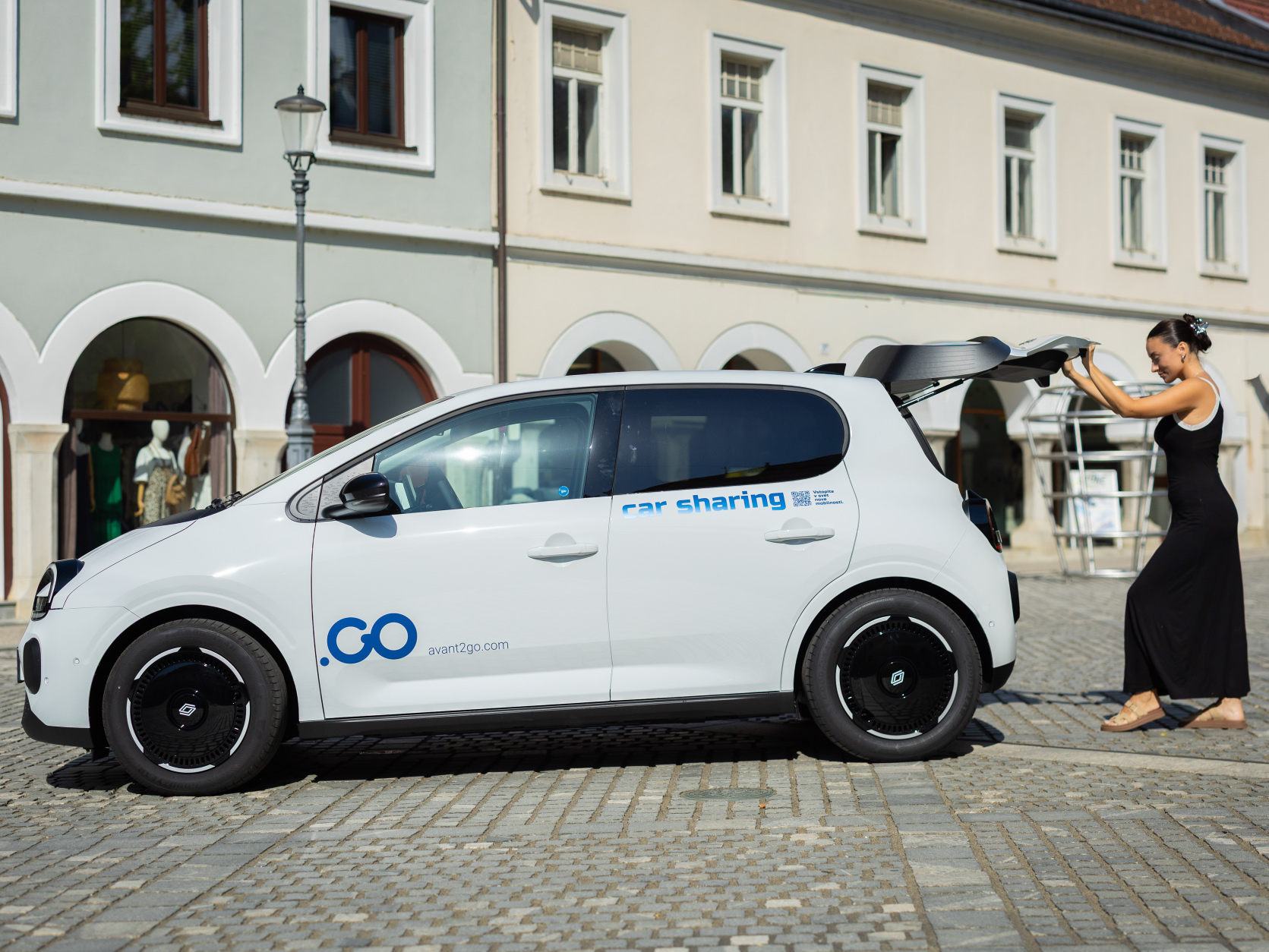
The new Renault Twingo E-Tech electric retains the playful character of its predecessors while offering even greater practicality, comfort and modern technology. Its compact dimensions, five doors and excellent manoeuvrability make it perfect for city streets, while the responsive electric motor ensures a quiet and effortless drive.
With a range of up to 260 kilometres according to WLTP and low energy consumption, it can easily handle everyday errands as well as longer trips beyond the city. At a fast-charging station, the battery can be charged from 10% to 80% in approximately 30 minutes. Drivers also benefit from modern driving and parking assistance systems.
We are particularly proud that the new Twingo is made in Slovenia at the Revoz factory in Novo mesto. Avant2Go is thus welcoming a locally produced electric city car that combines charming design, practicality and efficient electric mobility.
Technical details
| Top speed: | 130 km/h |
| Acceleration to 100 km/h: | 12,1 s |
| Battery type: | 27,5 kWh Lithium-ion |
| Autonomy: | up to 260 km (WLTP) |
| Maximum power: | 60 kW/82 KM |
| Charging time (11 kW AC): | 3h (from 0 to 100 %) |
| Charging time (max 50 kW DC): | 30 min (from 10 to 80 %) |
| Length: | 3,79 m |
| Width: | 1,72 m |
| Height: | 1,49 m |
Image gallery
Starting the vehicle
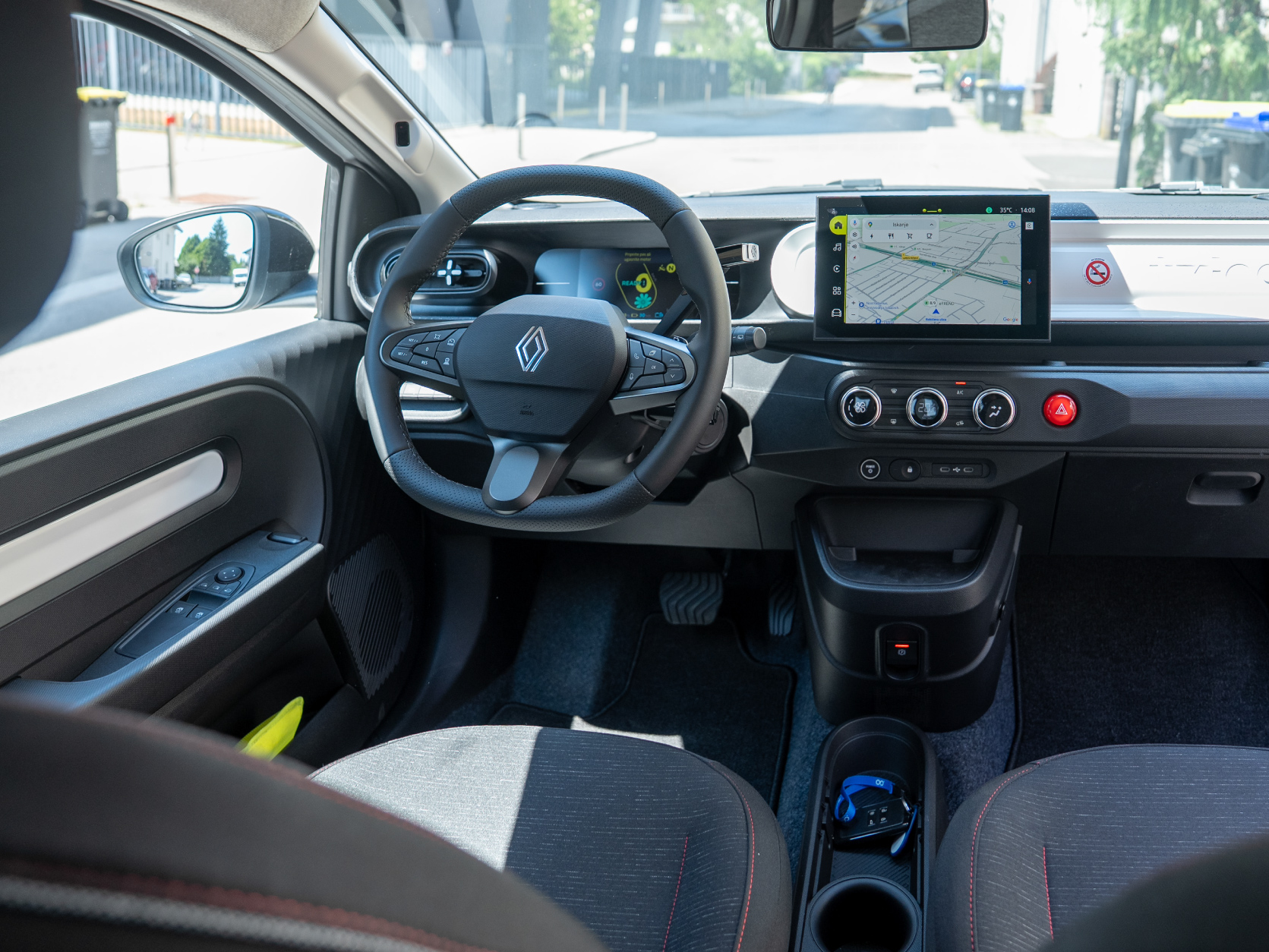
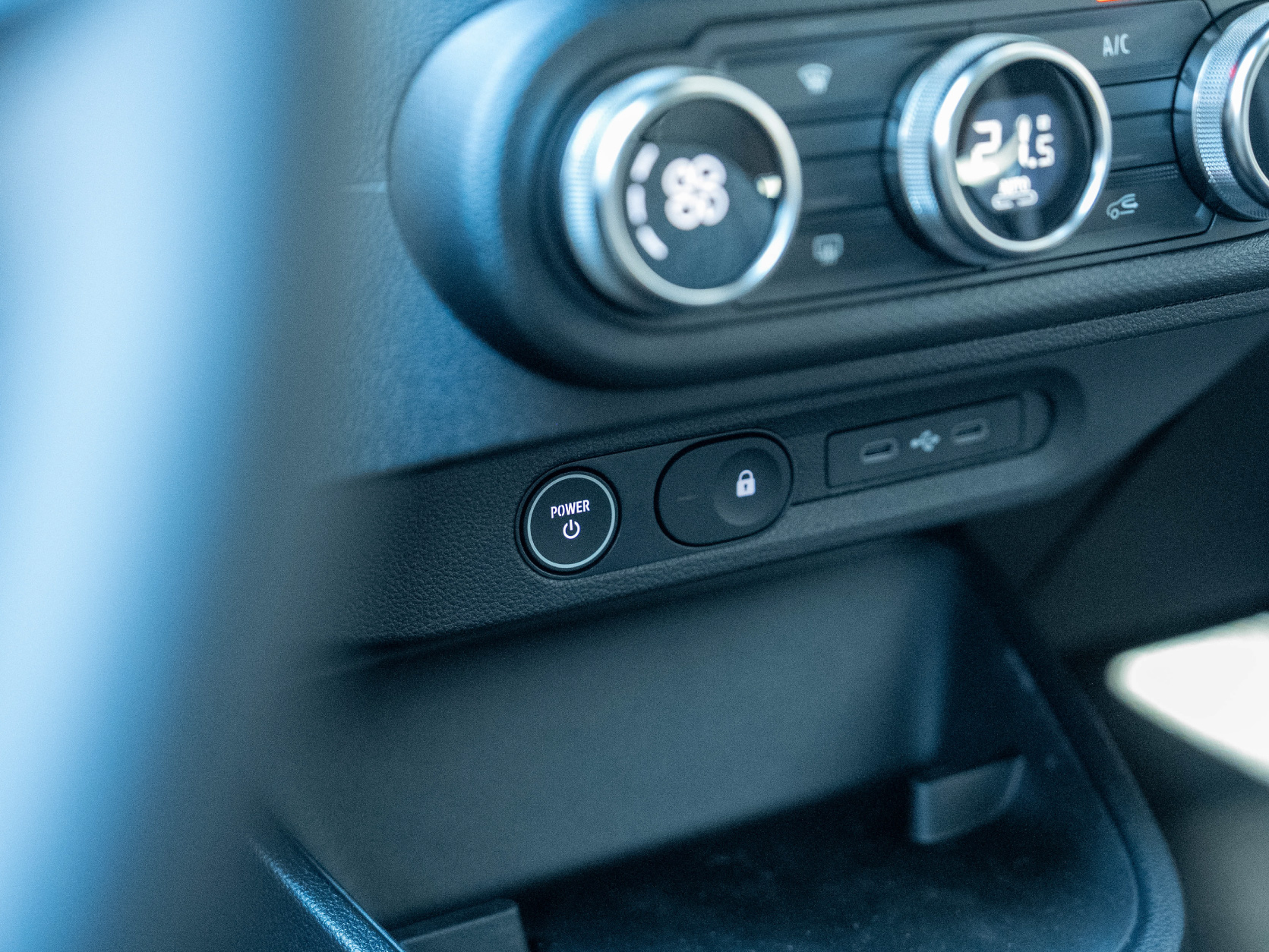
To start the vehicle, press and hold the brake pedal, then press the POWER button. You will hear a confirmation beep.
Battery charge level
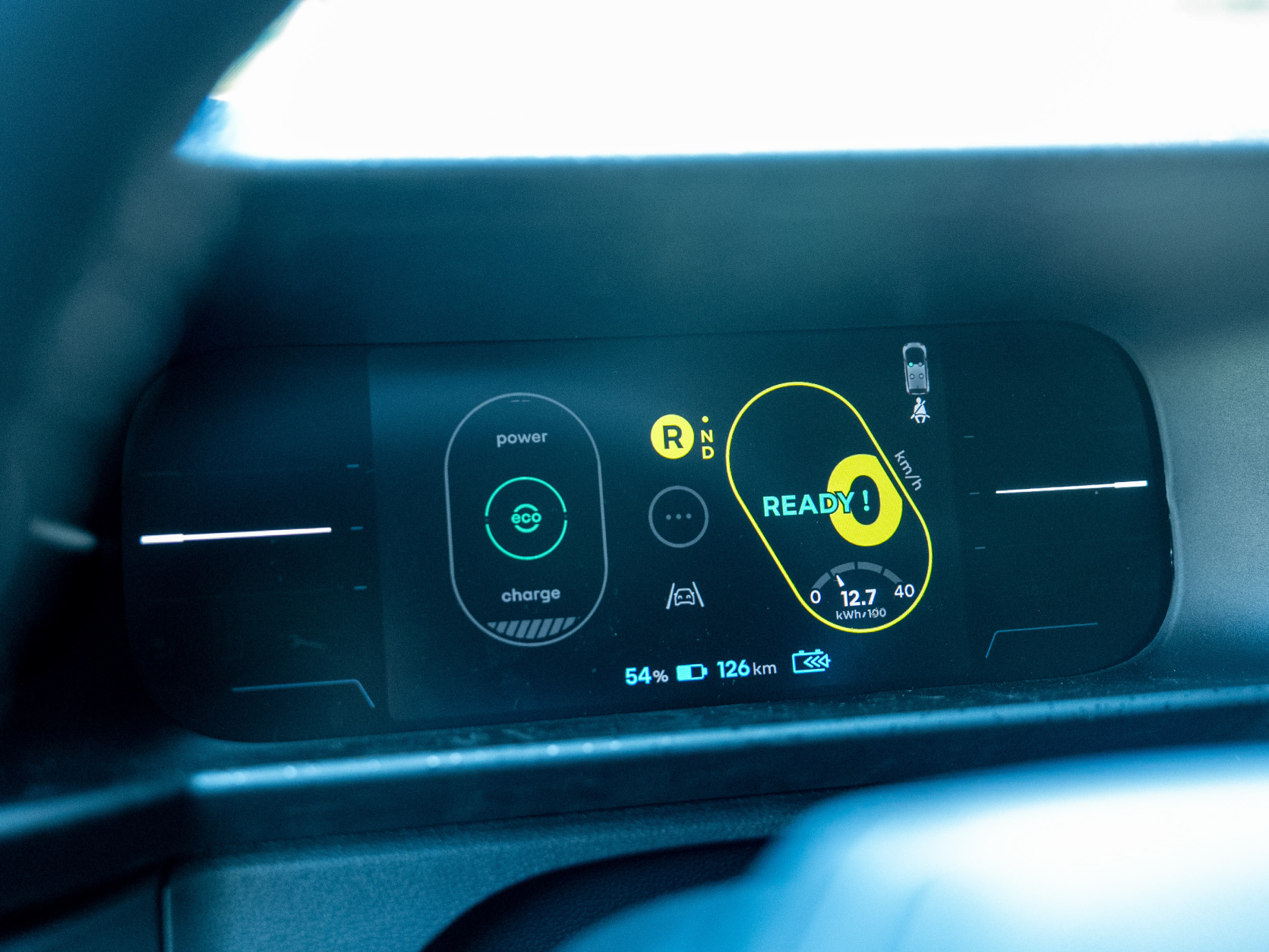
You can check the battery charge level on the instrument panel. Below it, you will see the vehicle’s estimated range in kilometres, calculated based on your driving style and other external factors, such as temperature and other active energy consumers in the vehicle.
When the battery charge level drops to 20%, the vehicle will alert you with a beep.
Adjusting the steering wheel and mirrors
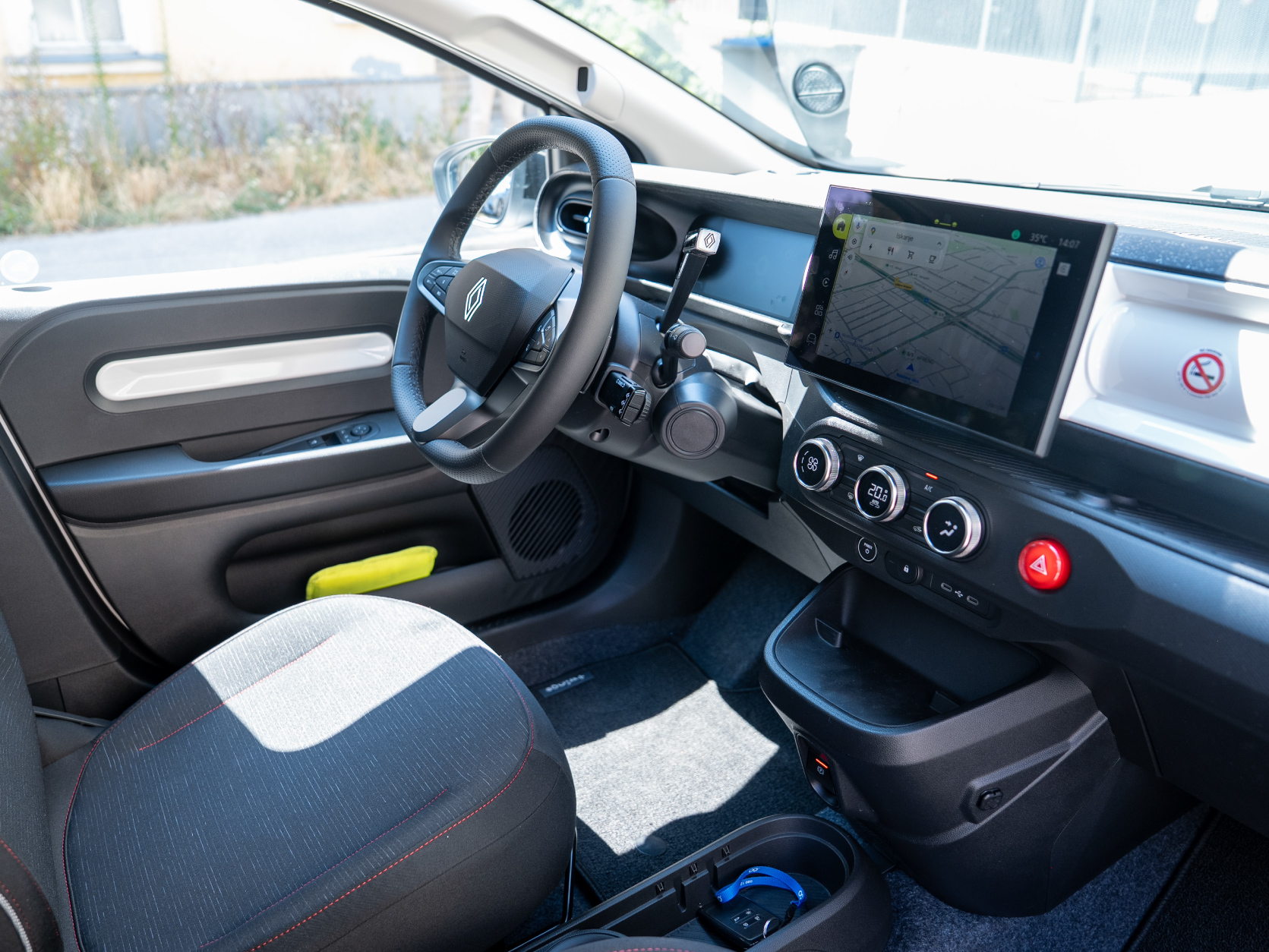
You can adjust the height and reach of the steering wheel using the lever located underneath the steering column. Push the lever down to make the adjustment.
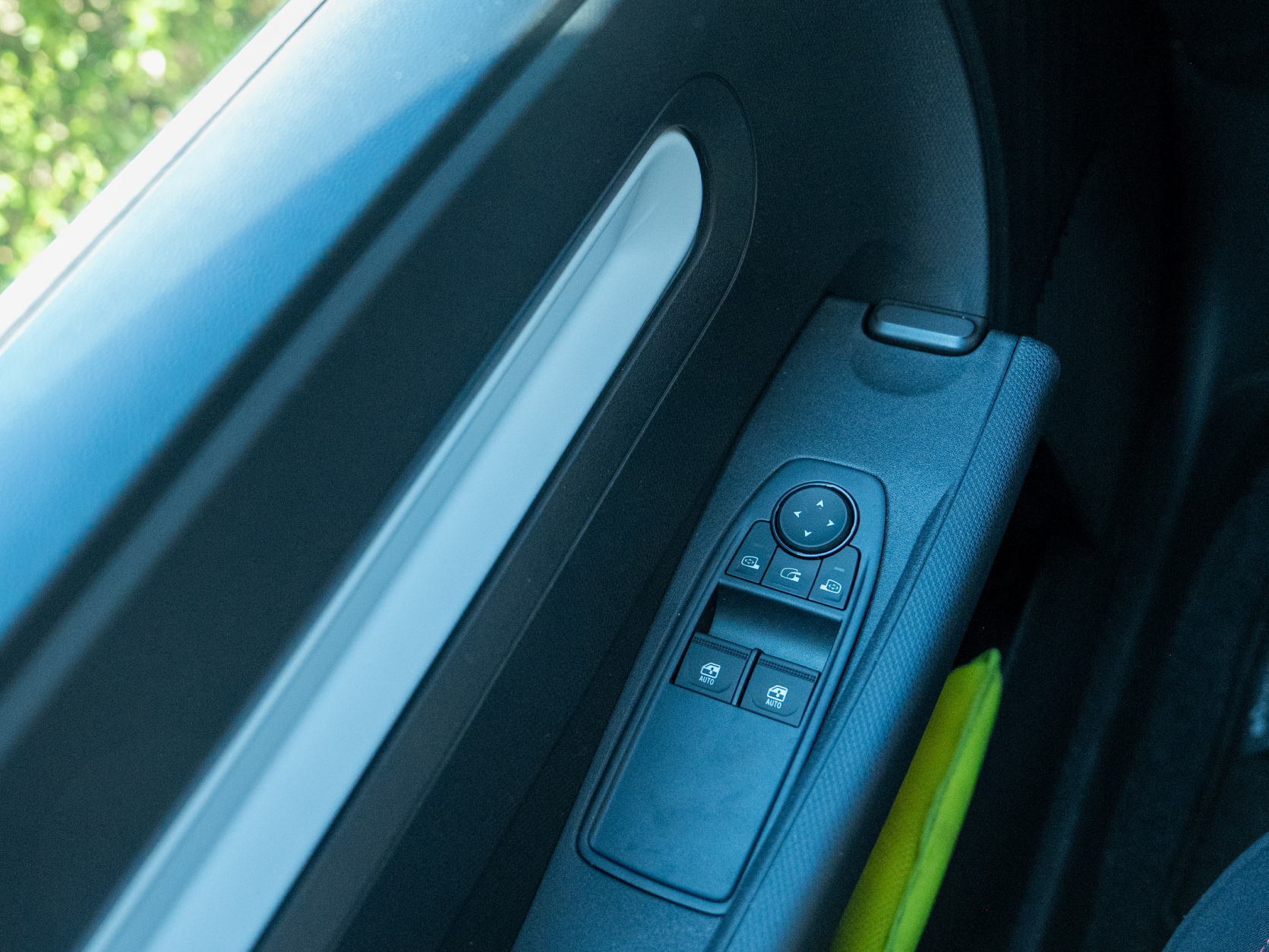
Adjust the mirrors using the arrow buttons on the driver’s door. To adjust the left mirror, first press the button with the left-mirror icon and then use the arrow buttons to set its position. Follow the same procedure for the right mirror.
Changing gears
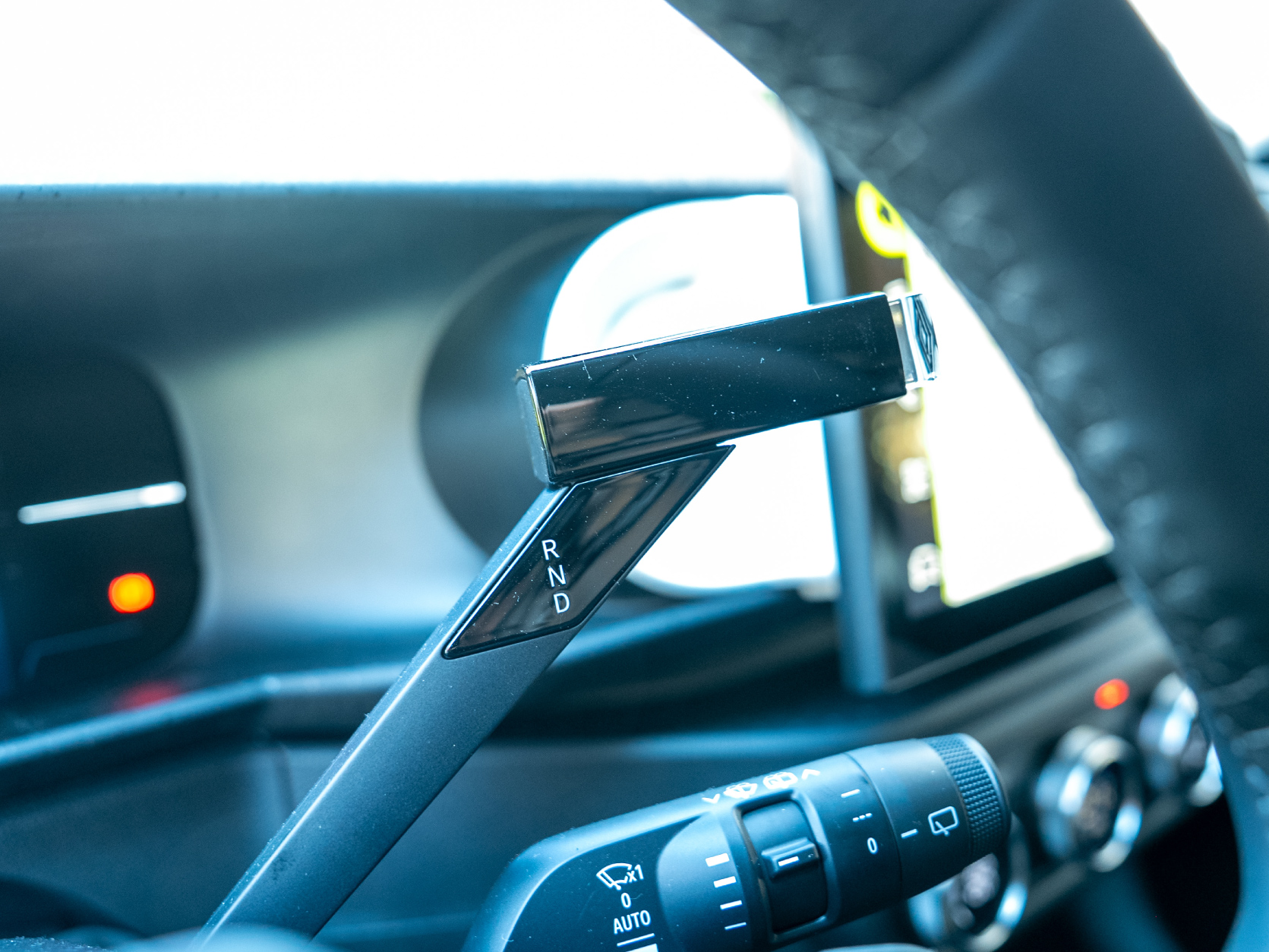
All our vehicles have automatic transmission. To change gears, simply press and hold the brake pedal and move the gear selector (R, N or D) to the desired position.
R (Reverse) – used for driving backwards
N (Neutral) – allows the vehicle to roll freely, for example in a car wash
D (Drive) – used for driving forwards
Driving modes
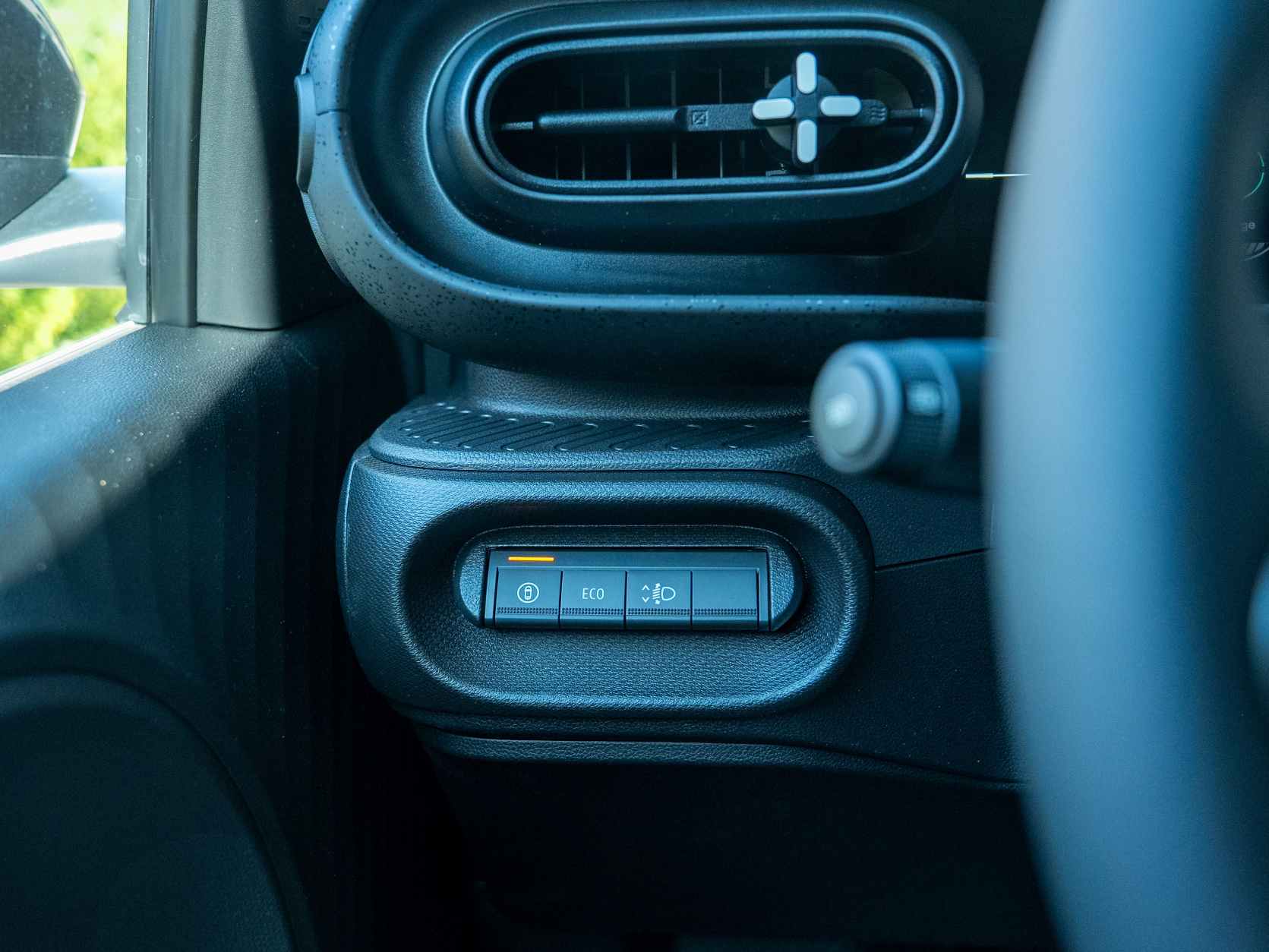
The ECO button is located to the left of the steering wheel. Press it to activate or deactivate ECO mode. When ECO mode is active, this is indicated on the instrument panel.
ECO mode reduces battery consumption but limits the vehicle’s maximum speed to 110 km/h.
Opening the boot
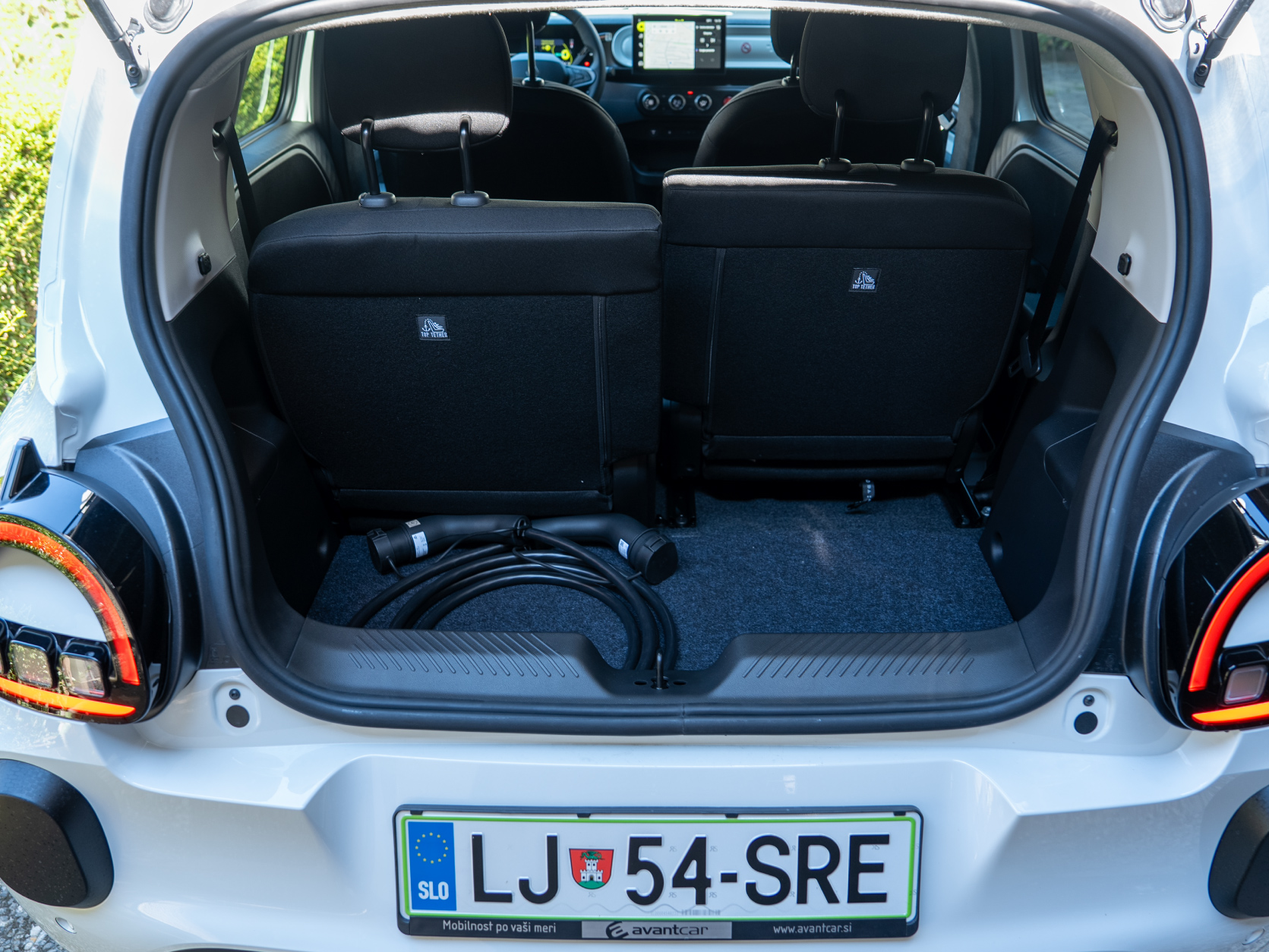
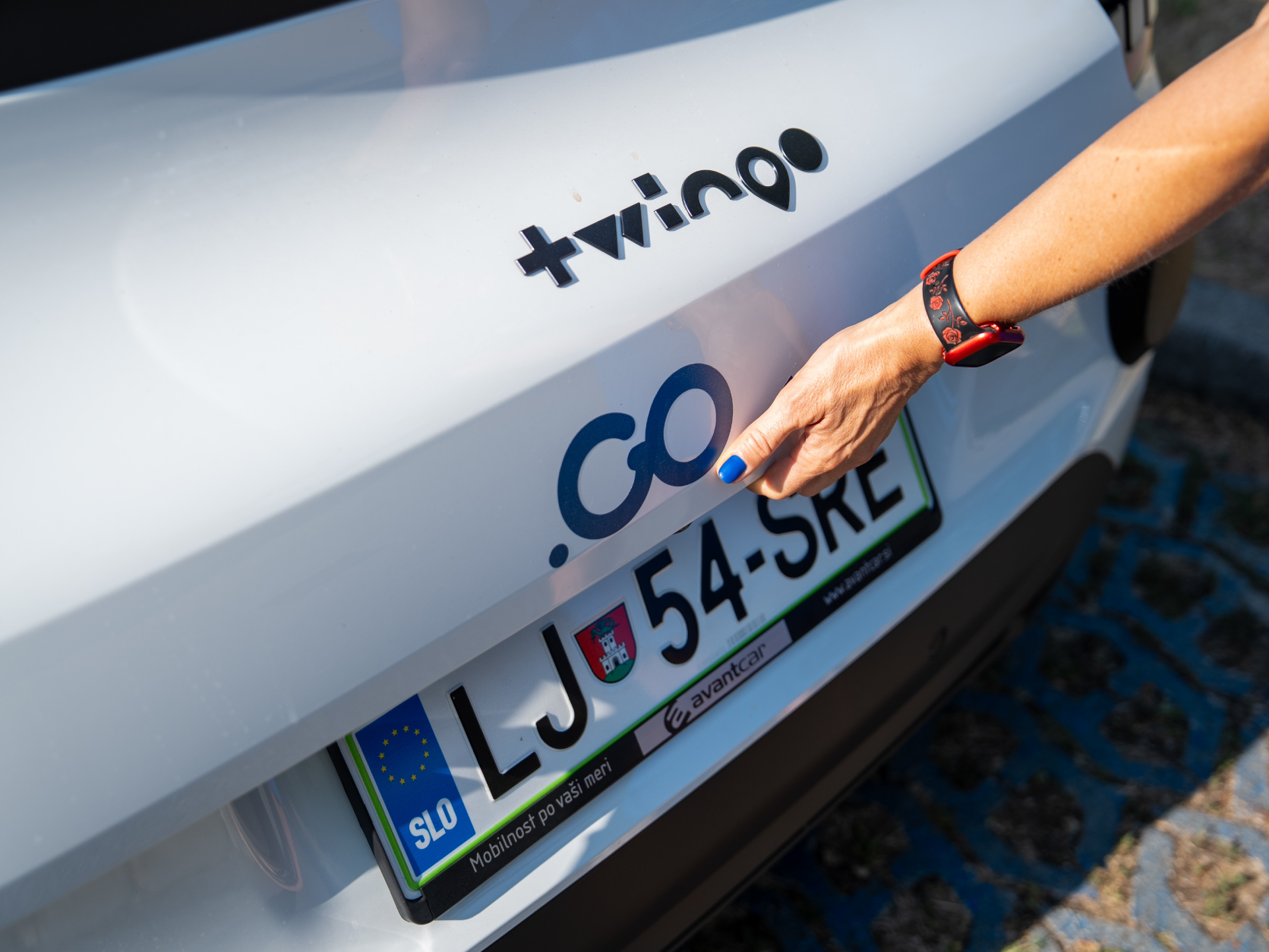
Press the button on the lower part of the boot lid to open the boot.
Speed limiter and cruise control
The speed limiter helps prevent you from exceeding a set speed, such as 50 km/h in built-up areas.
Cruise control maintains your selected driving speed, such as a constant 120 km/h on the motorway.
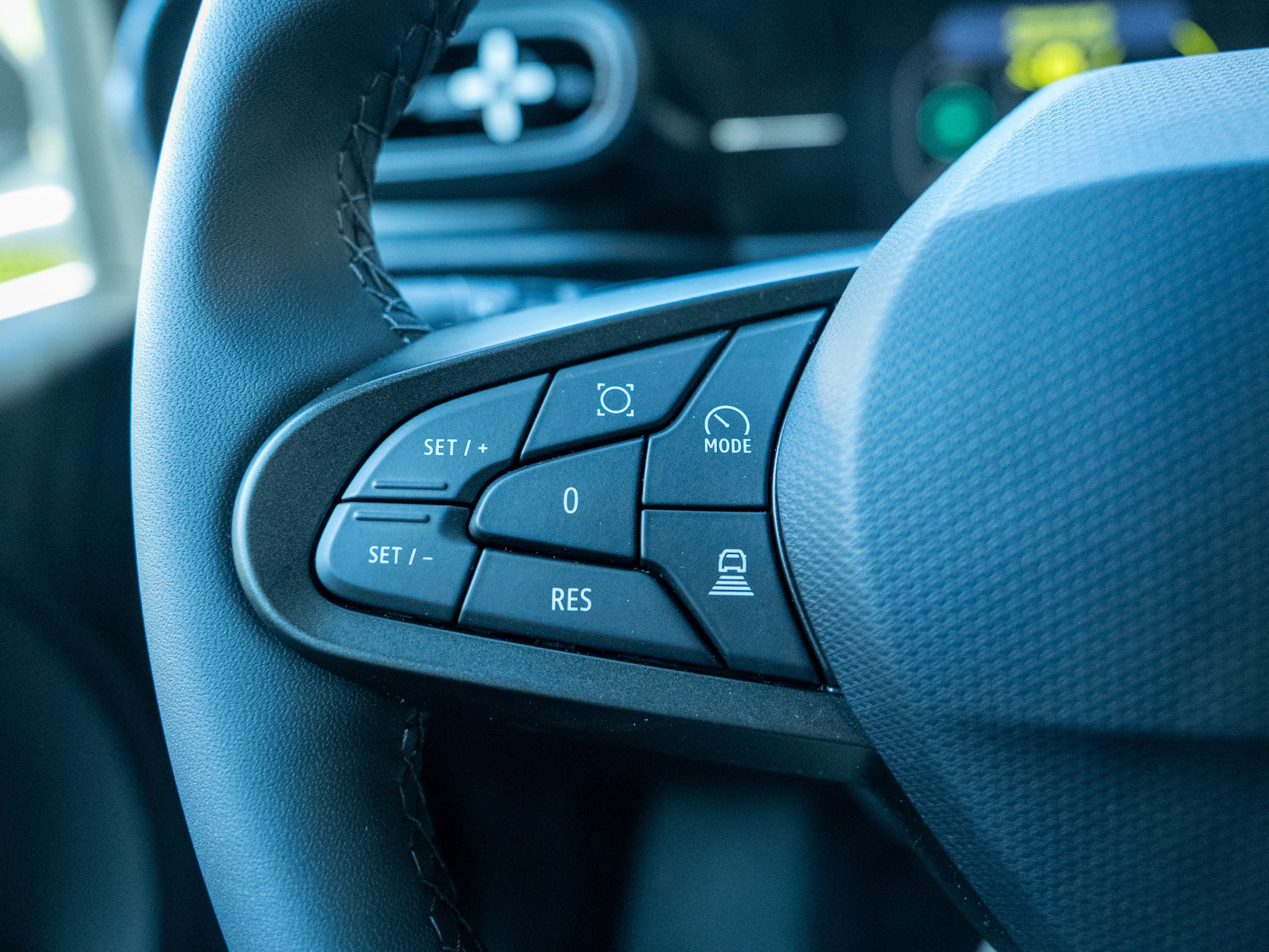
The controls for the speed limiter and cruise control are located on the left-hand side of the steering wheel.
Press the button with the speedometer icon and the word MODE to switch between the speed limiter and cruise control.
Use the + and – buttons to adjust the set speed in increments of 1 km/h.
Press the SET button to activate the speed limiter or cruise control.
Press the 0 button to pause and reactivate the speed limiter or cruise control.
Charging
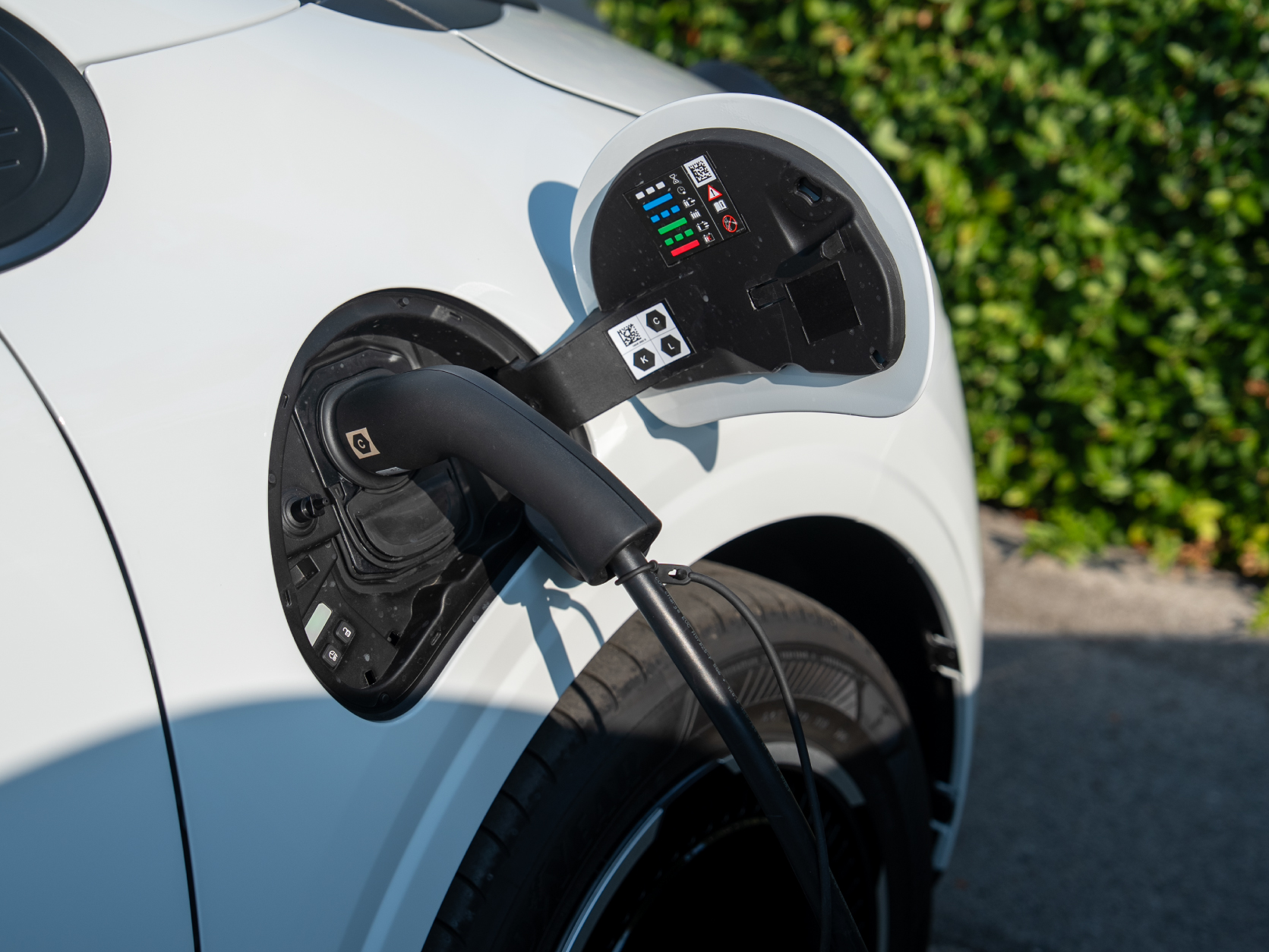
To charge the vehicle, take the appropriate charging cable from the boot. Gently press the charging-port flap to open it. Connect one end of the cable to the vehicle and the other end to the charging station.
To stop charging, press the button with the lock icon next to the charging port. Disconnect the cable from the vehicle first and then from the charging station. Once charging is complete, return the cable to the boot and close the charging-port flap.
Ending your drive
At the end of your drive, switch off the vehicle by pressing the POWER button.
If you do not wish to end the rental yet, take the vehicle key with you and lock the vehicle using the button on the key.
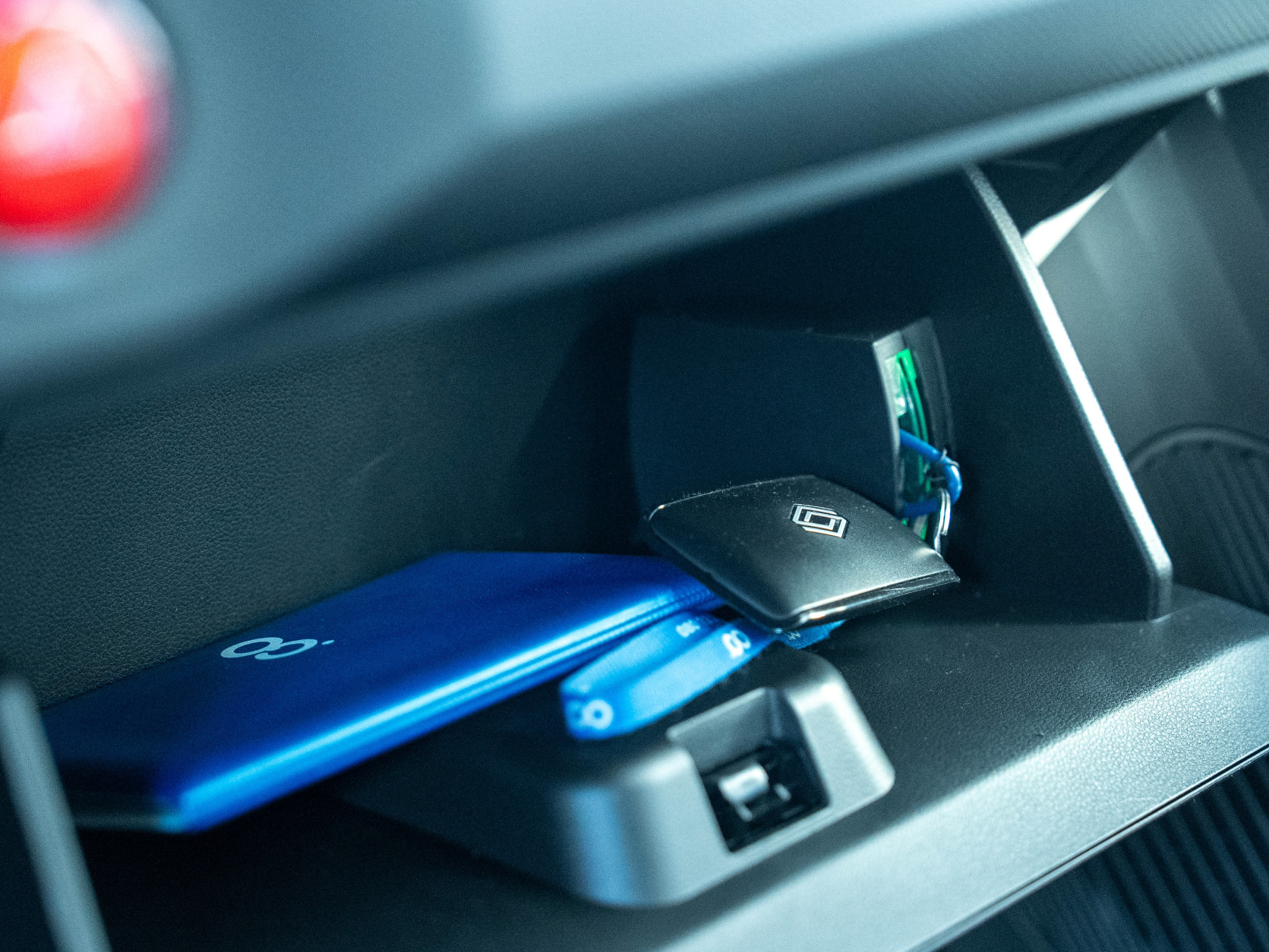
To end the rental, return the vehicle key to its designated place. Insert the key fob into the box inside the glove compartment on the passenger side. The key box is illuminated by a green light, making it easier to find.
Then lock the vehicle using the Avant2Go app and follow the steps to complete the rental.