
Fiat Grande Panda
Vehicle description
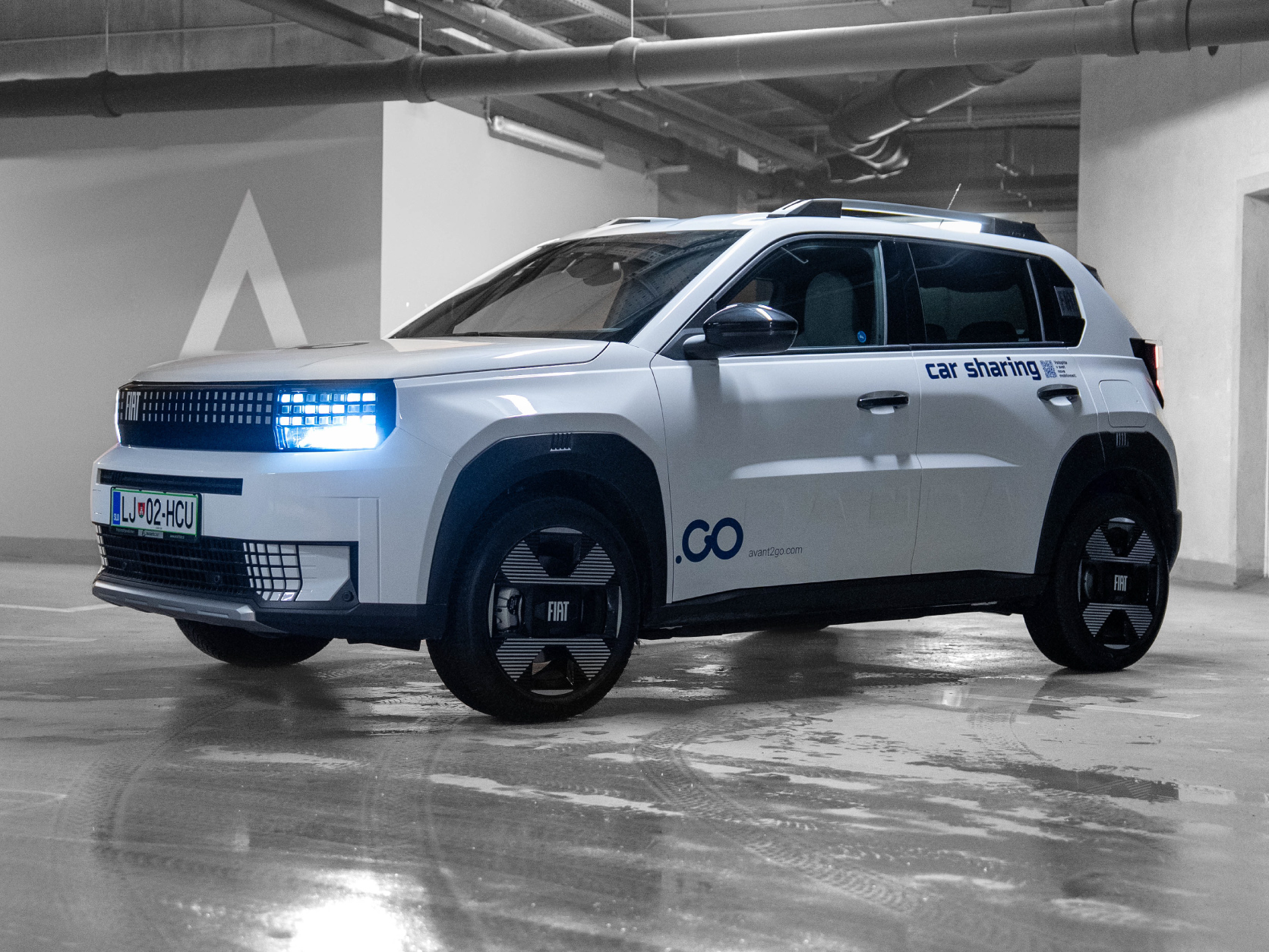
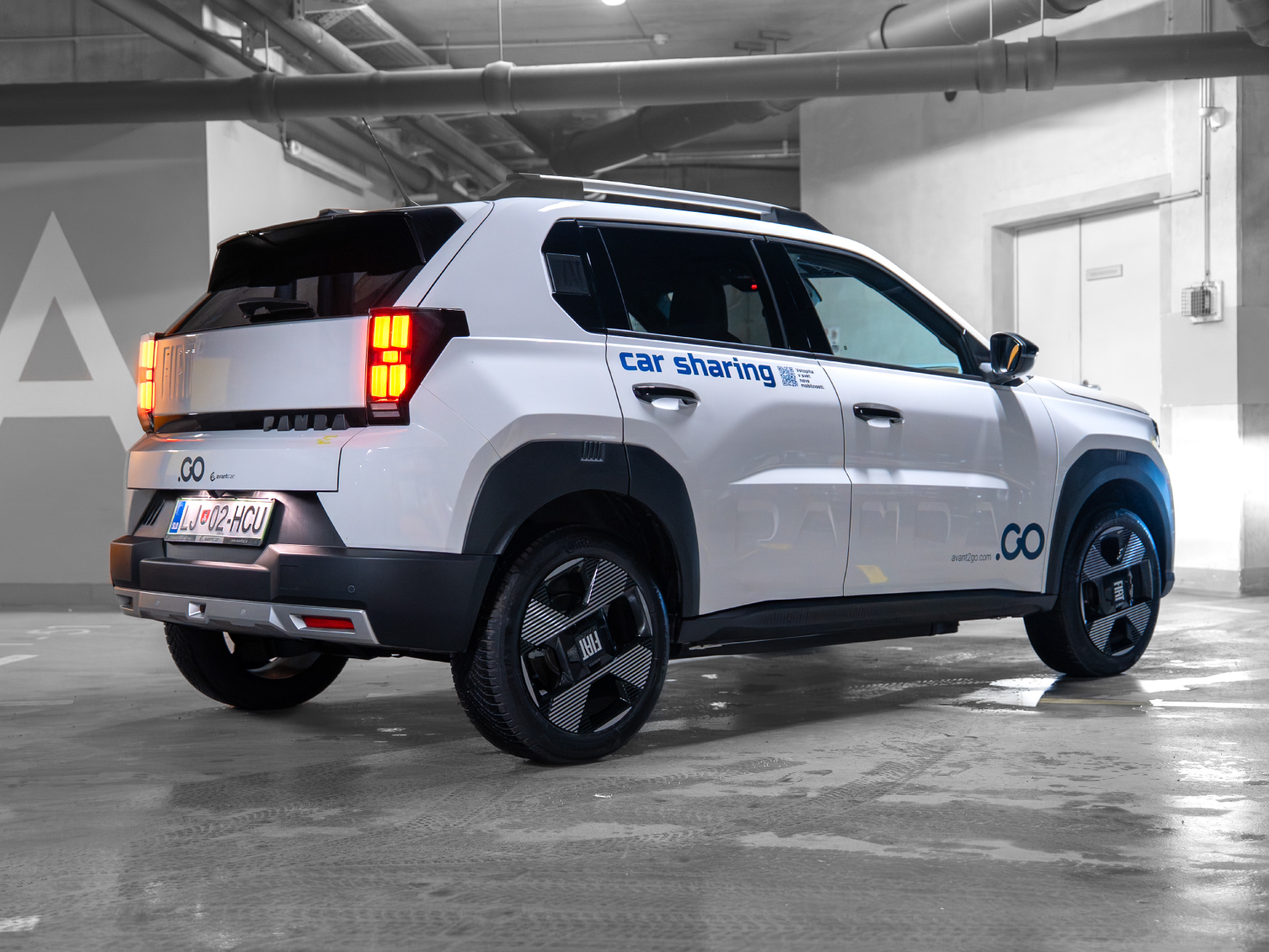
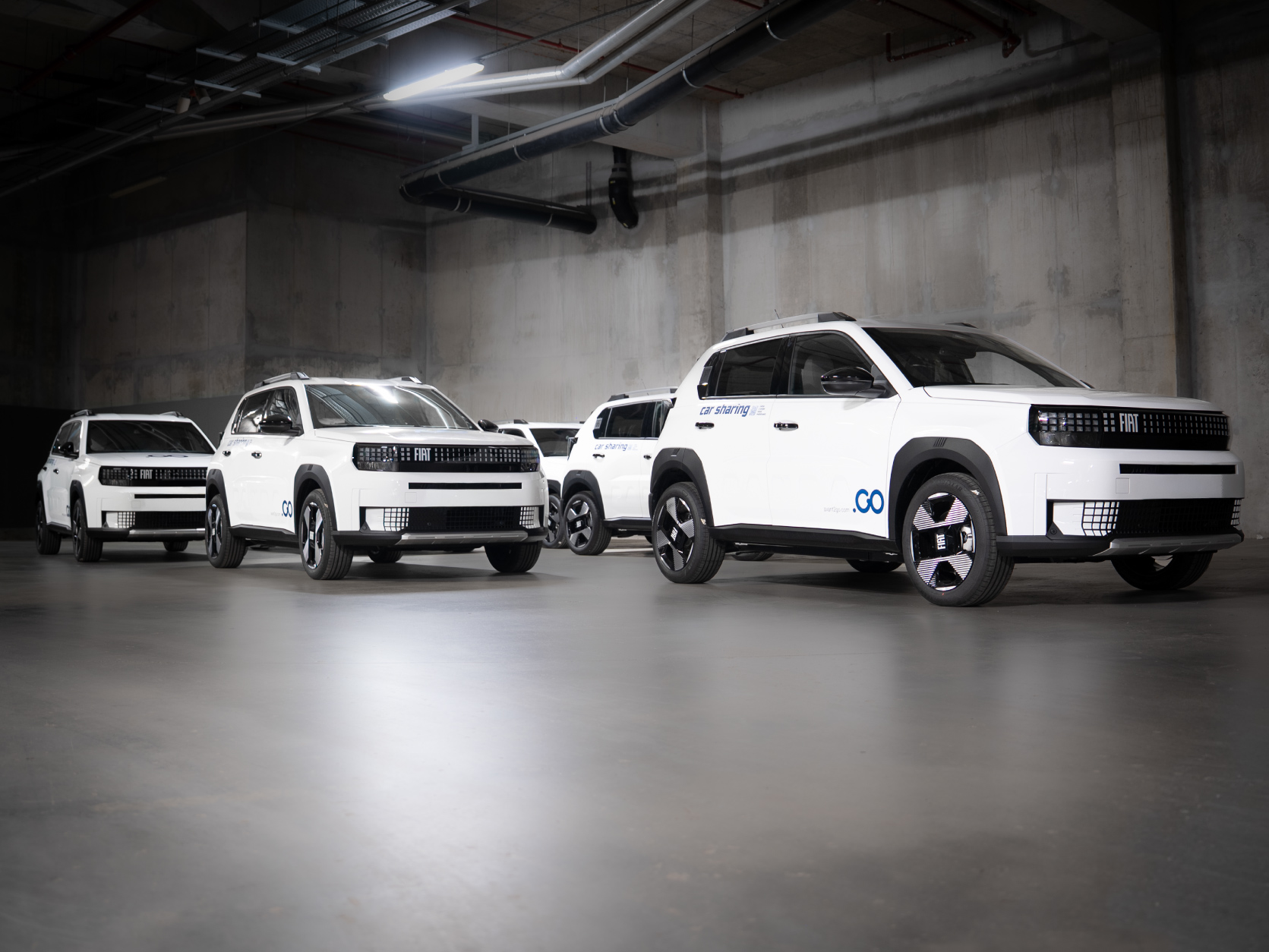
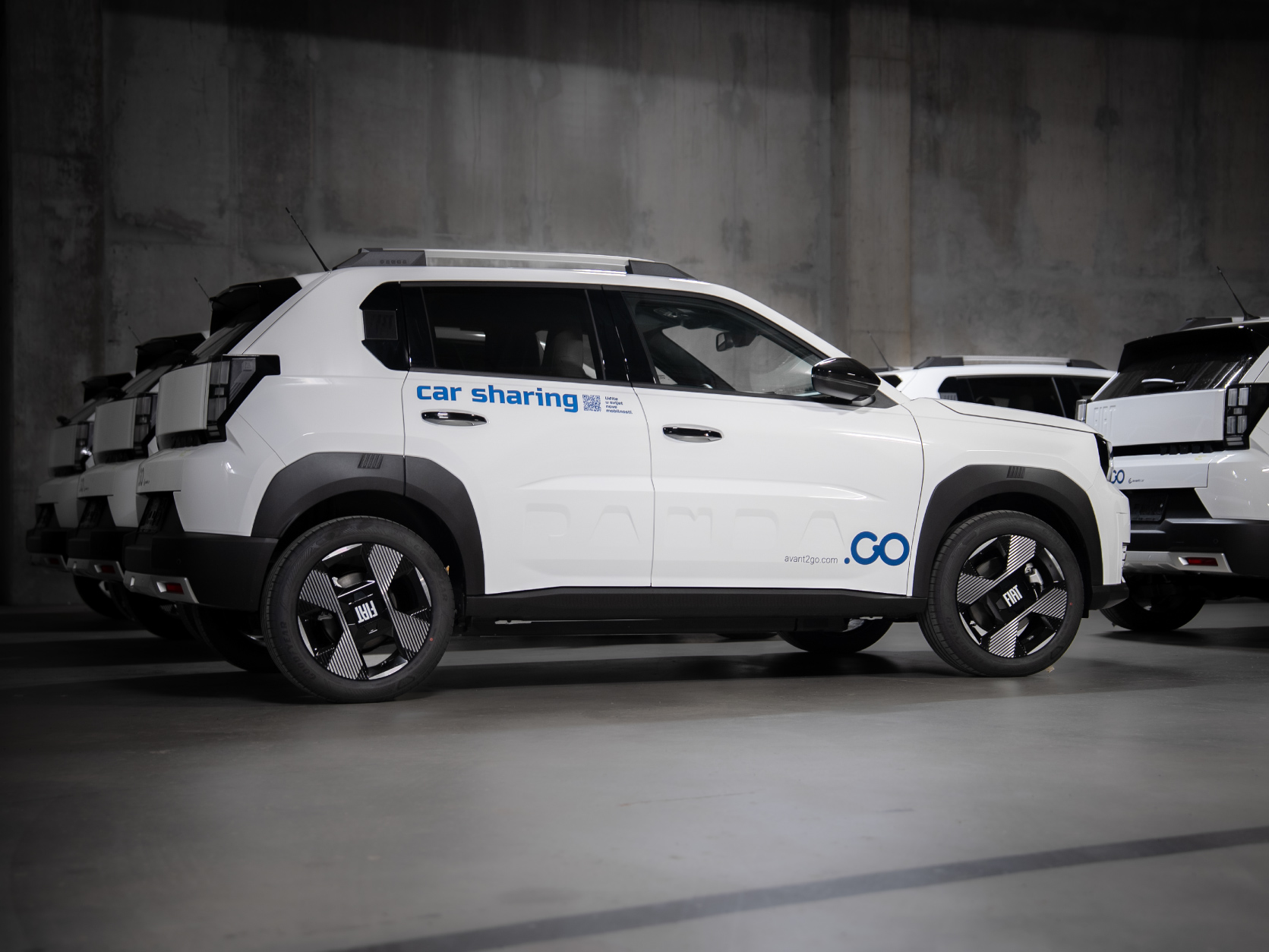
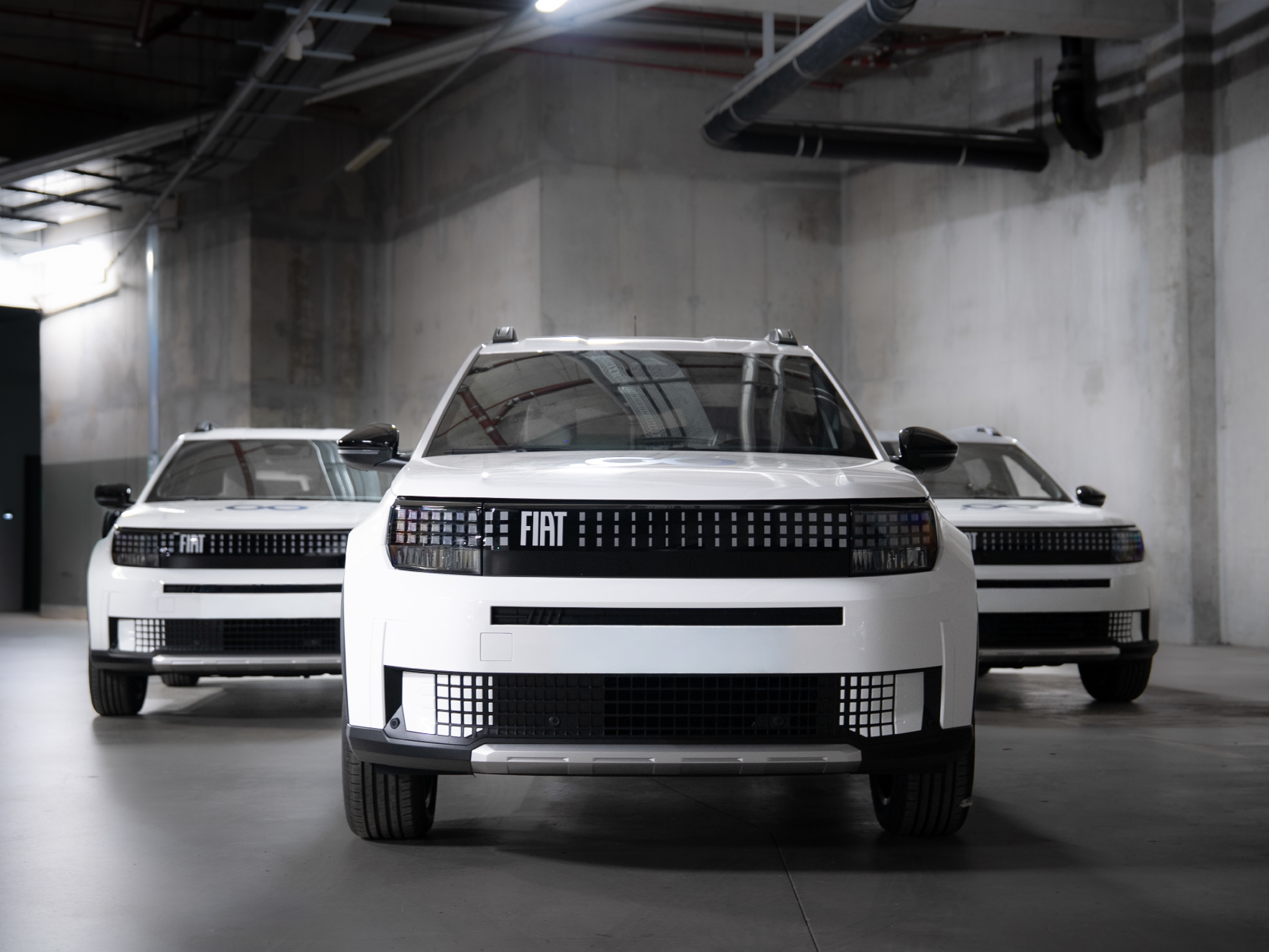
The Fiat Grande Panda is a charming and modern crossover – a witty reincarnation of the legendary Panda, now grown into a "Grande" version, 100% electric and full of Italian charm and practicality.
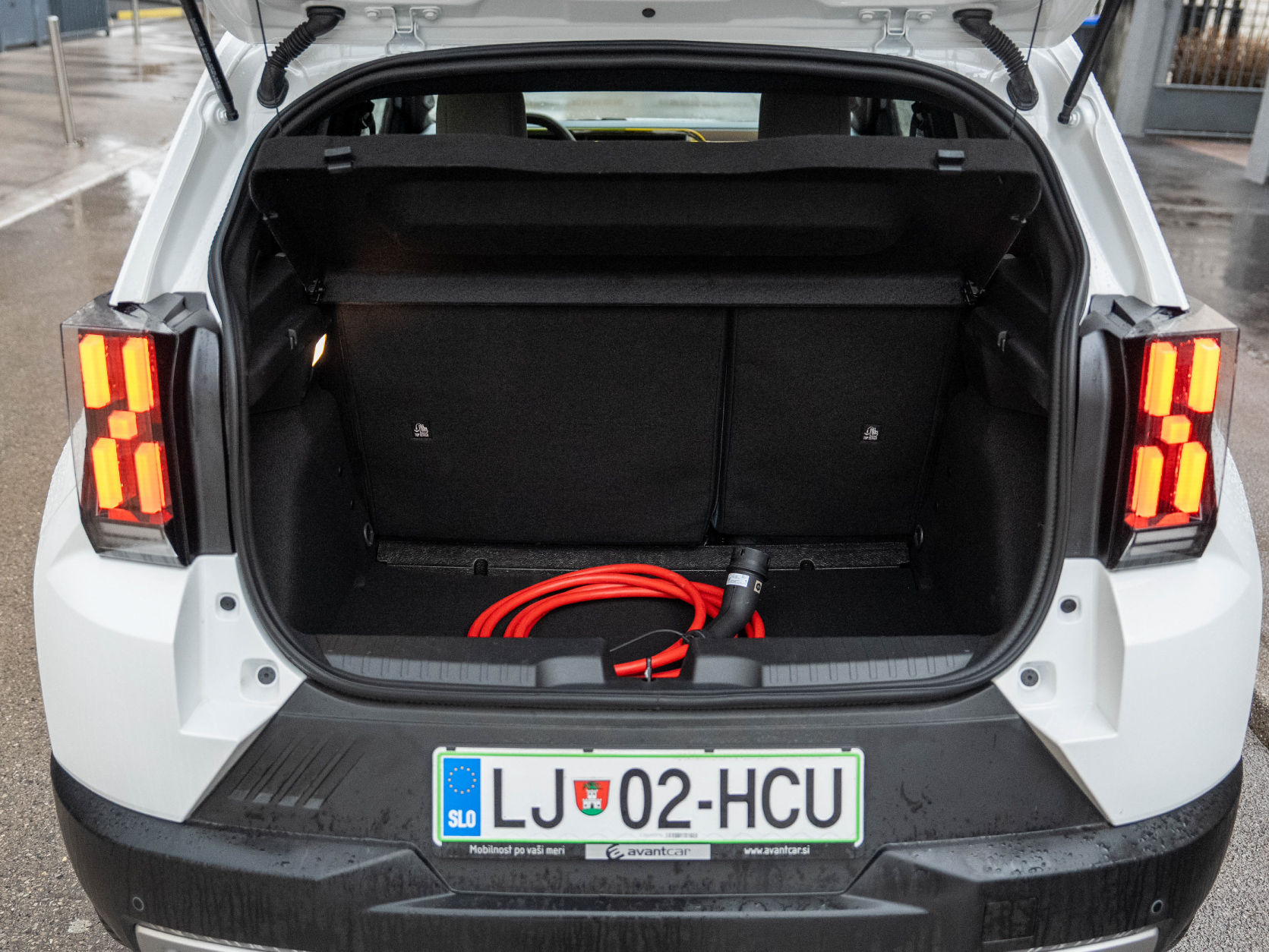
Compact yet surprisingly spacious and tall, with a real-world range of up to 210 km (WLTP up to 320 km), a 44 kWh battery, 113 hp (83 kW) and acceleration of around 11 seconds to 100 km/h (but a quick 4.2 s from 0–50 km/h). The interior is practical and fun, with excellent space utilisation, a large boot (361 L) and modern connectivity – altogether very well suited for city driving and everyday use.
It’s one of the more spacious and likeable electric cars in this segment – a true "people’s" electric car with an Italian soul.
Technical details
| Top speed: | 135 km/h |
| Acceleration to 100 km/h: | 11 s |
| Autonomy: | do 210 km (WLTP up to 320 km) |
| Maximum power: | 113 KM/83 kW |
| Battery type: | Litij-ionska 44 kWh |
| Charging time (7.4 kW AC): | 7 h za 0-100 % |
| Charging time (max 100 kW DC): | 32 min za 10-80 % |
| Length: | 4 m |
| Width: | 1.76 m |
| Height: | 1.57 m |
Image gallery
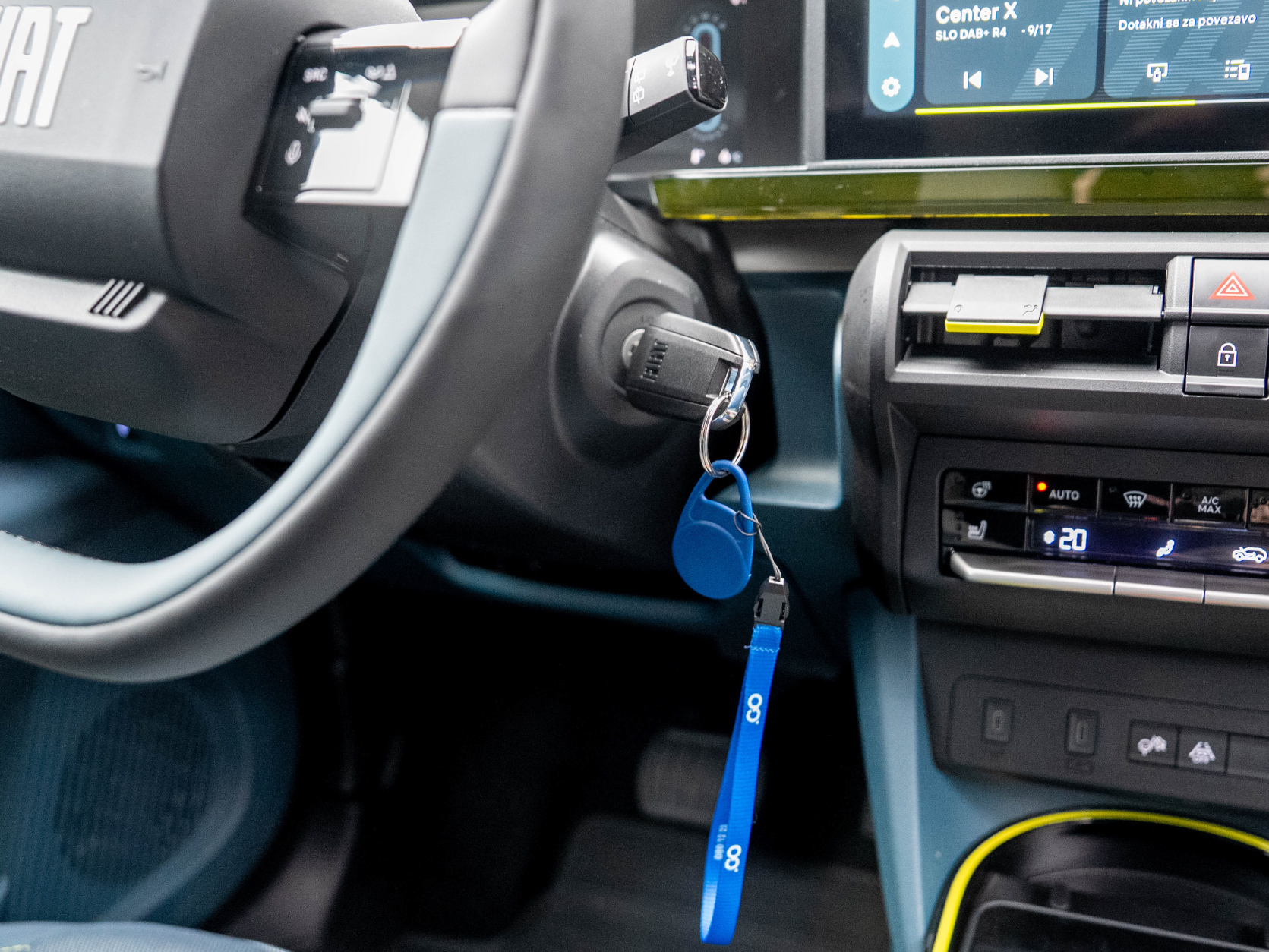
Starting the Vehicle
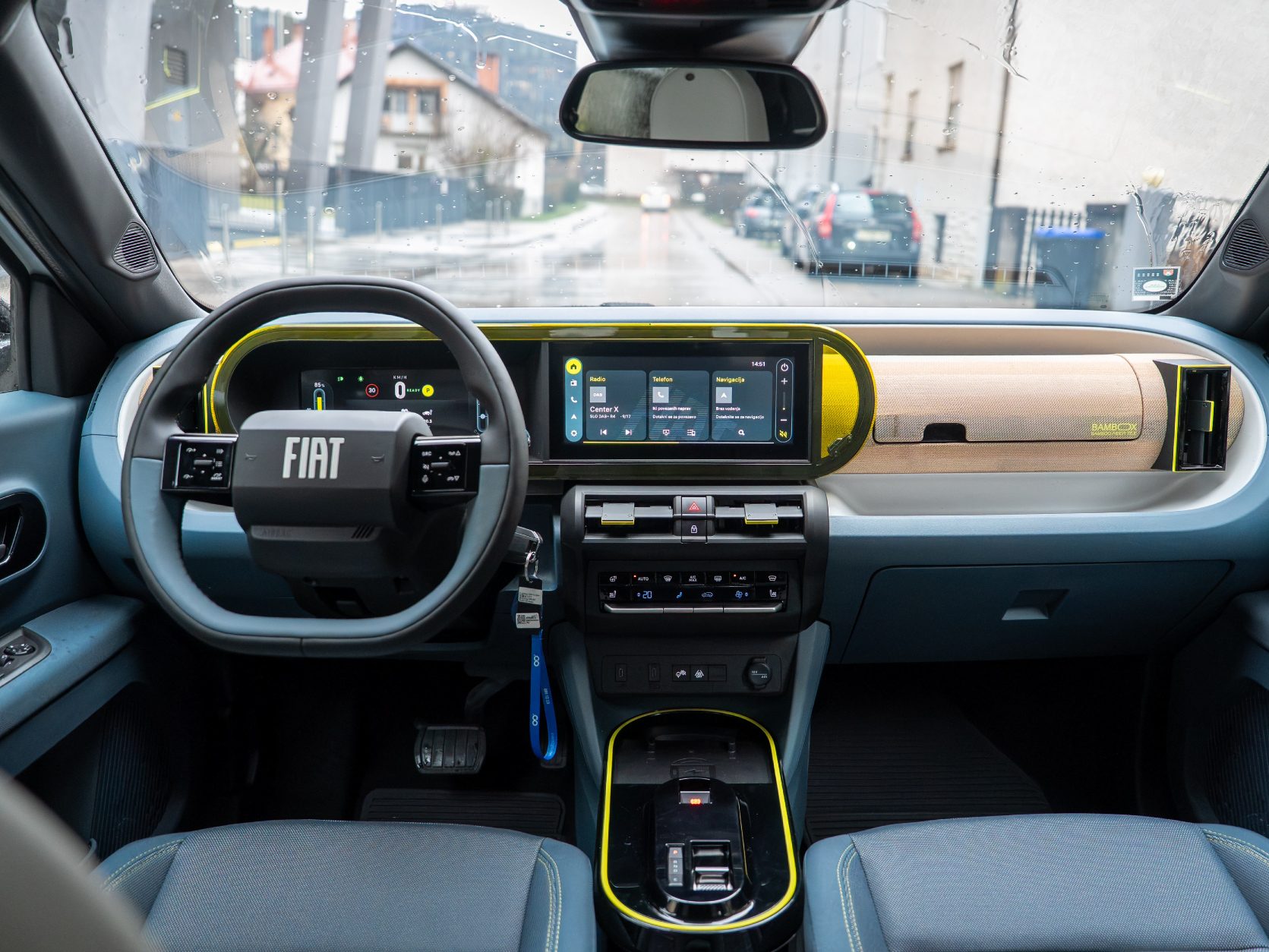
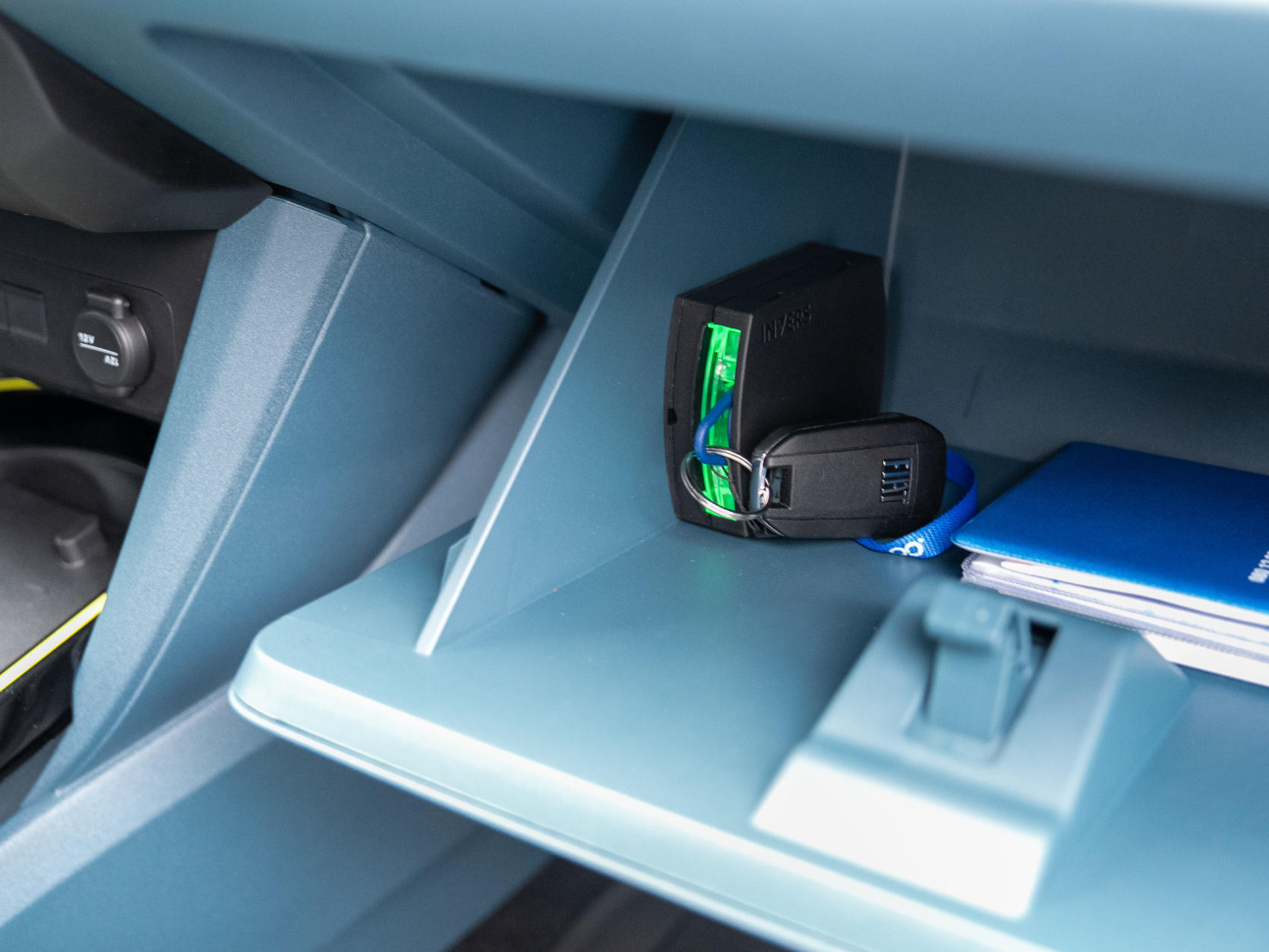
To start the vehicle, you need the vehicle key – it is located in the compartment on the passenger side.
Check that the gear lever is in the "P" (parking) position. Hold the brake pedal and turn the key all the way.
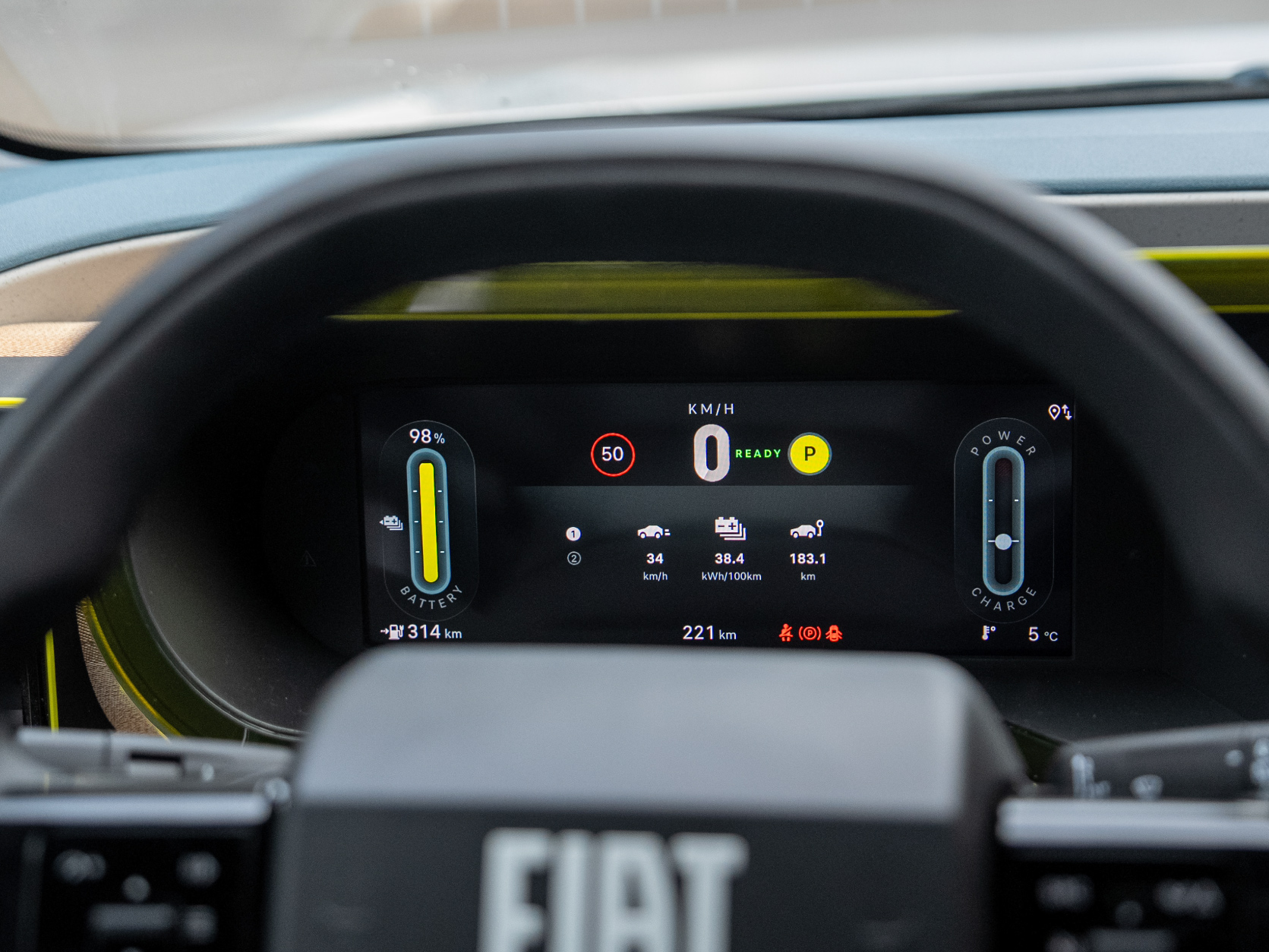
Battery Charge Level
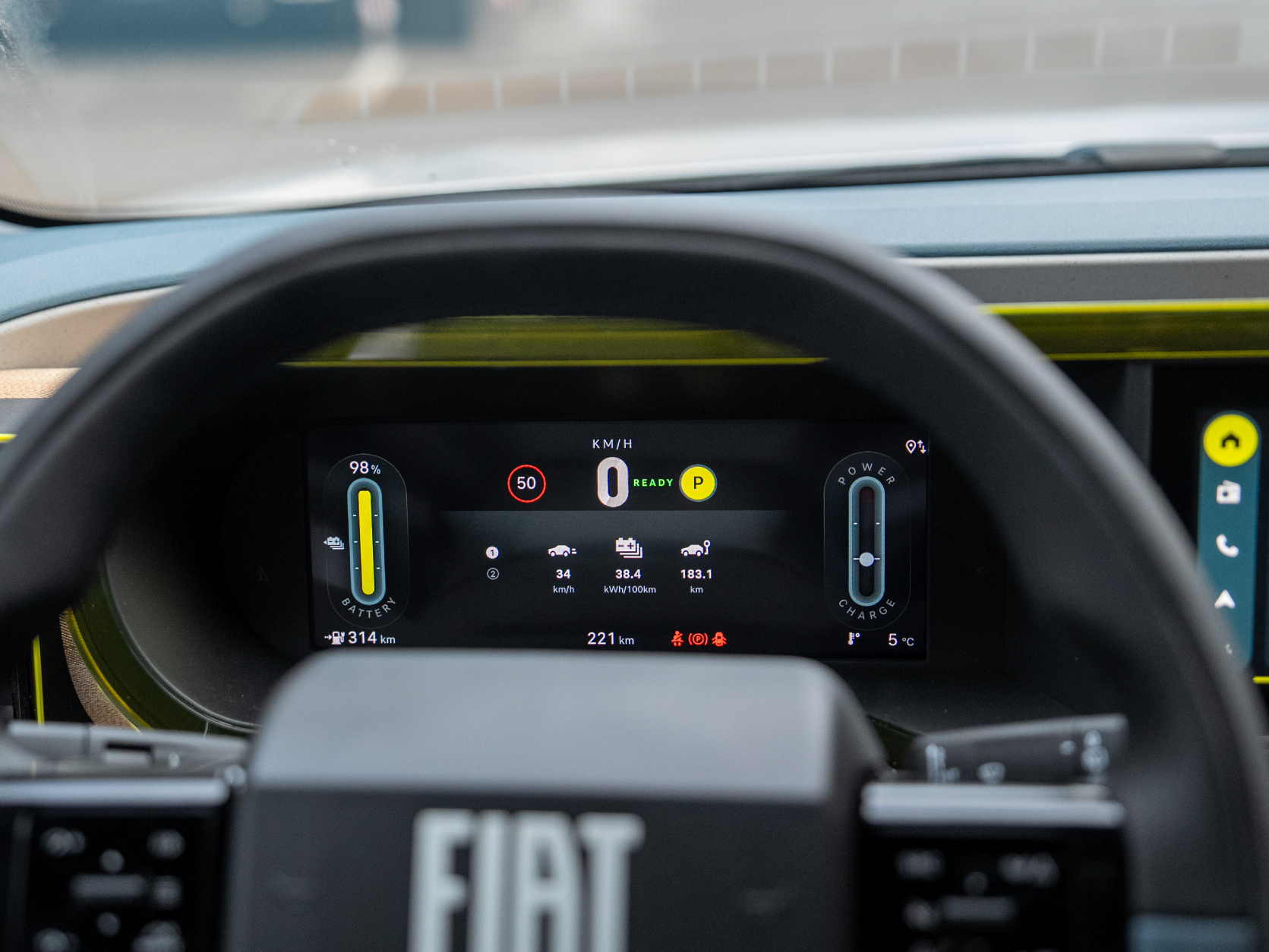
You can see the battery charge percentage and the estimated remaining kilometres on the instrument panel.
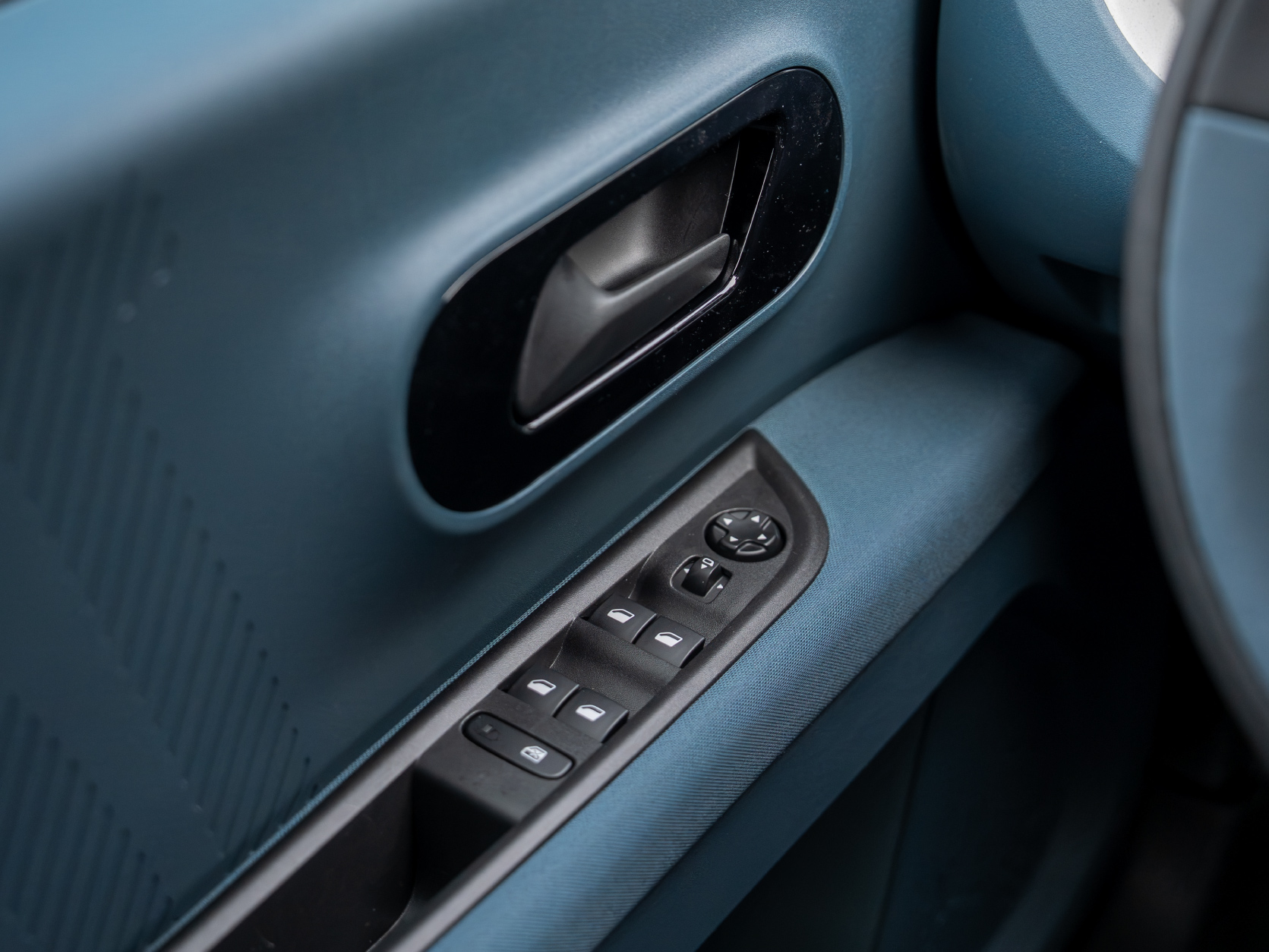
Adjusting the Steering Wheel and Mirrors
The steering wheel can be adjusted for height and reach – on the lower part of the steering column, you will find a lever that you push down. Adjust the mirrors using the button with arrows on the driver's door. To adjust the left mirror, first press the button with the left mirror icon, then use the arrows to set the position of the left mirror. The same applies to the right mirror.
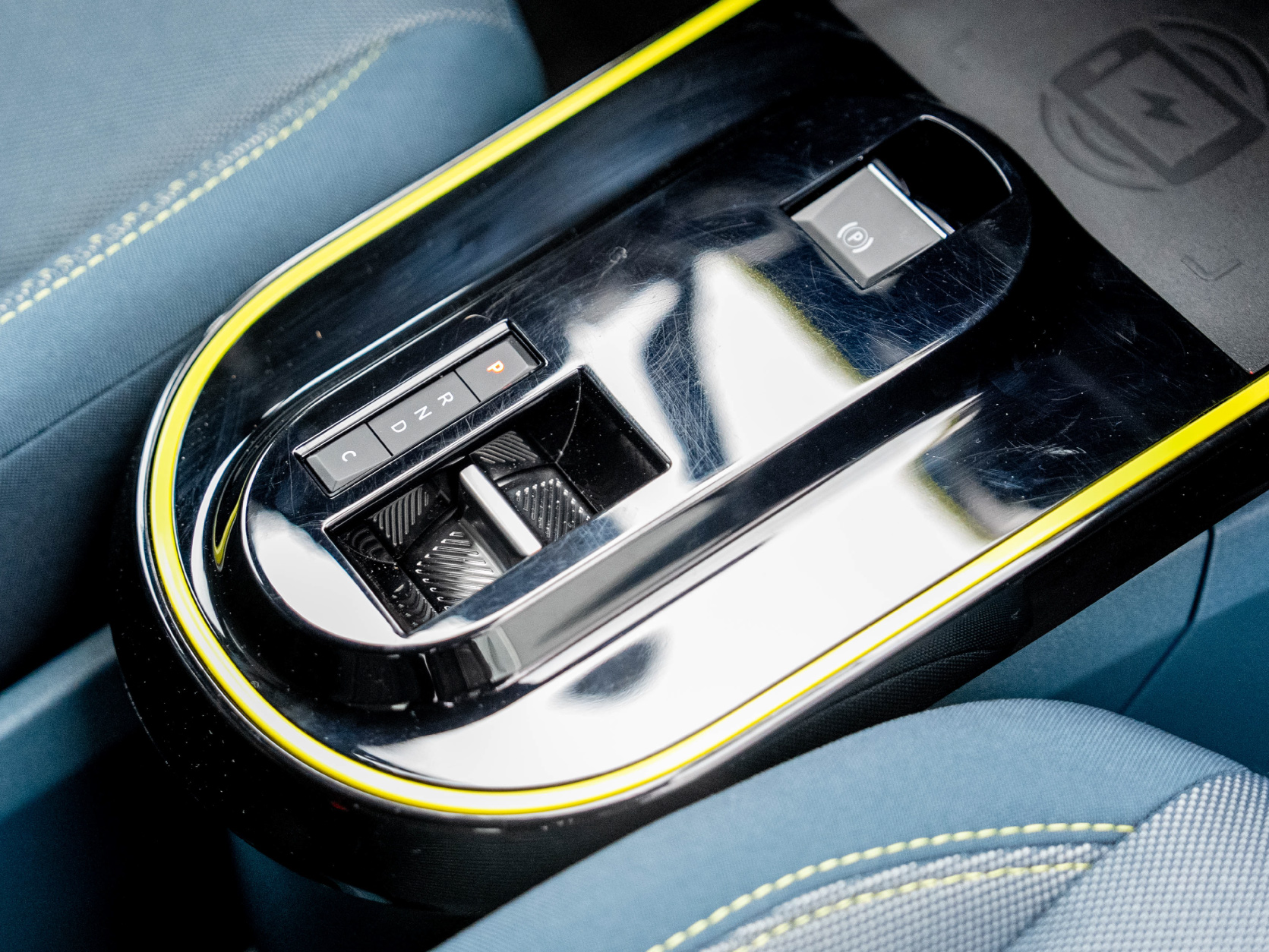
Shifting Gears
All our vehicles have an automatic transmission – to change gears, simply hold the brake and move the gear lever (R, N or D) to the desired position. For positions P and C, simply press the corresponding button next to the gear lever:
P (parking) – use when parking the vehicle, starting or turning it off
R (reverse) – use for reversing
N (neutral) – freewheel mode, e.g. use in a car wash
C (recuperation) – increases the strength of regenerative braking. When you release the accelerator pedal, the car brakes more strongly and recovers more energy back into the battery at the same time.
D (drive) – use for driving forward
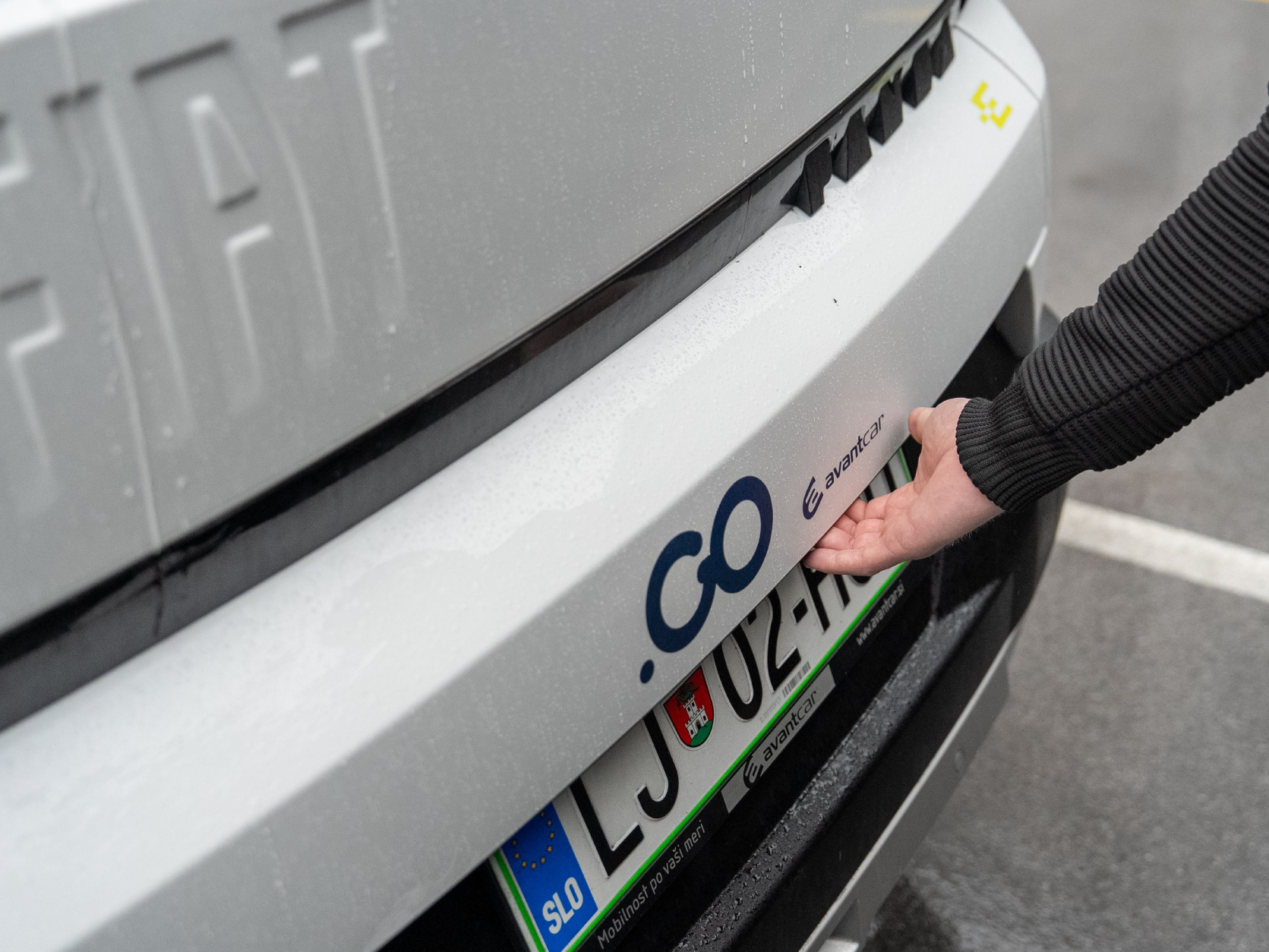
Opening the Boot
Open the boot by pressing the button on the lower part of the boot lid.
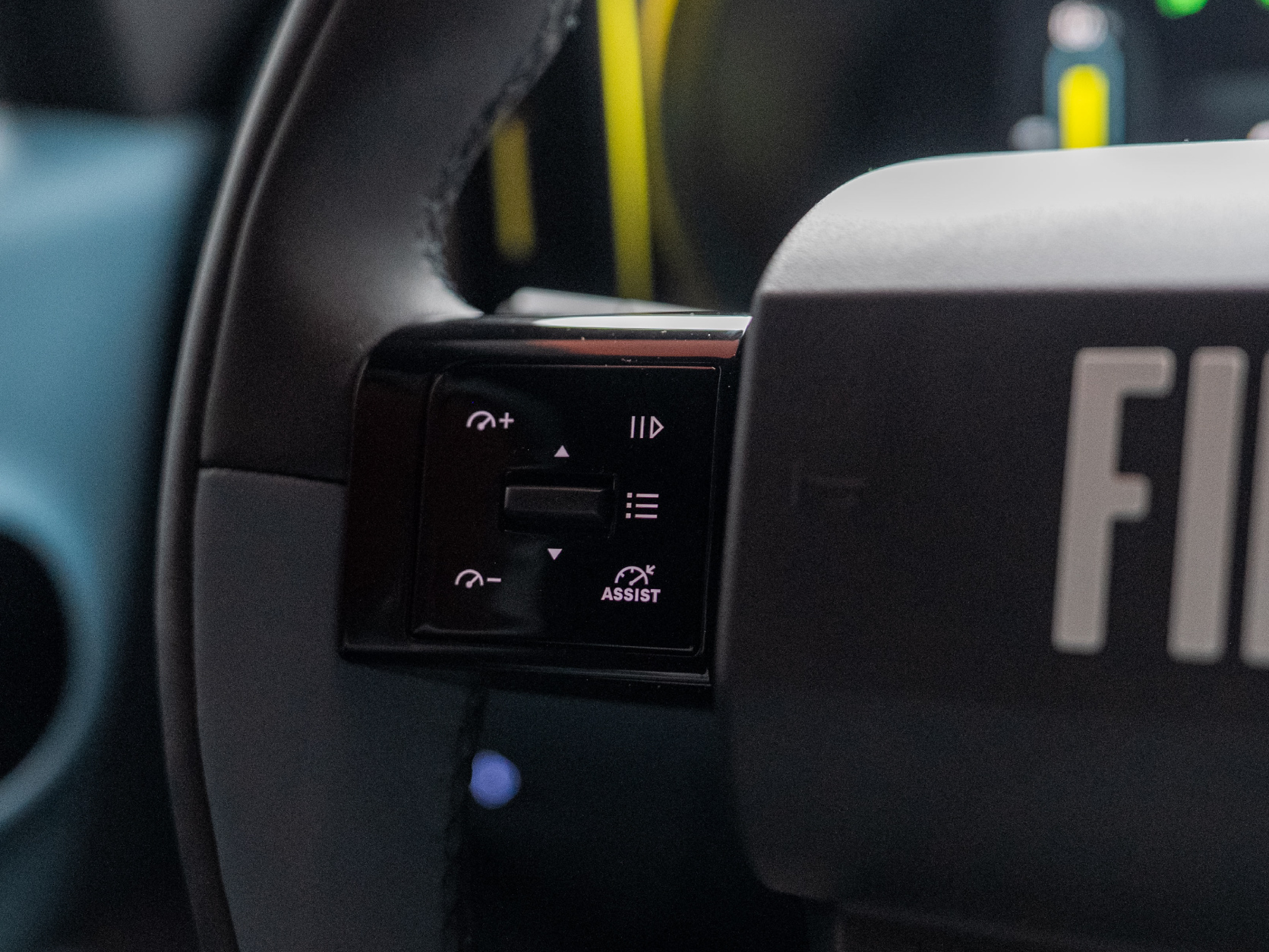
Speed Limiter and Cruise Control
The speed limiter helps you avoid exceeding a certain speed (e.g., 50 km/h in built-up areas).
The cruise control maintains your selected driving speed (e.g., a constant 120 km/h on the motorway).
On the left side of the steering wheel rim, you will find the buttons for setting the cruise control and speed limiter.
Press the button with the speedometer icon and the word ASSIST to activate cruise control or the speed limiter.
Pressing the movable button in the middle sets the initial speed based on recognised traffic signs.
Use the + and – buttons to adjust the set limit by ±1 km/h.
Temporarily pause (and reactivate) the cruise control or speed limiter by pressing the ║▷ button.
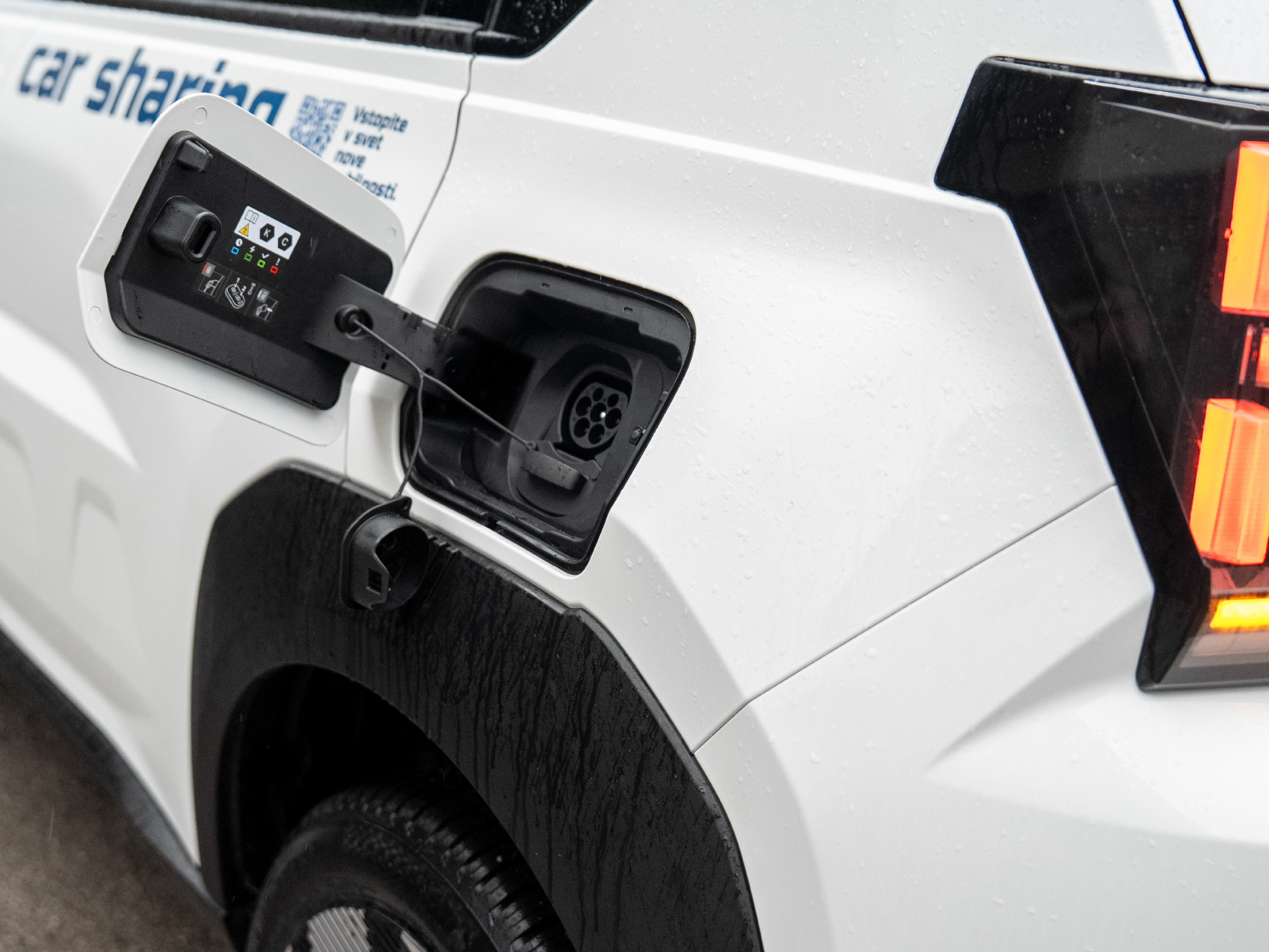
Charging
For charging, take the appropriate cable from the boot. Open the charging socket flap on the vehicle by gently pressing on it. Connect one end of the cable to the vehicle and the other end to the charging station.
To stop charging, press the vehicle unlock button on the physical key. Then unplug the cable from the vehicle, followed by the charging station. After charging is complete, store the cable in the boot space and close the charging flap.
Ending the Drive
At the end of the drive, press the P (parking) button above the gear lever.
If you do not yet wish to end the rental, take the vehicle key with you and lock the vehicle using the button on the key.
If you wish to end the rental, return the vehicle key to its place – insert the key fob/chip into the box in the compartment on the passenger side. To make the key box easier to find, it is illuminated with an orange light. Then lock the vehicle via the Avant2Go app and follow the steps to complete the rental.